16 of 285
Locking and Unlocking the Keypad
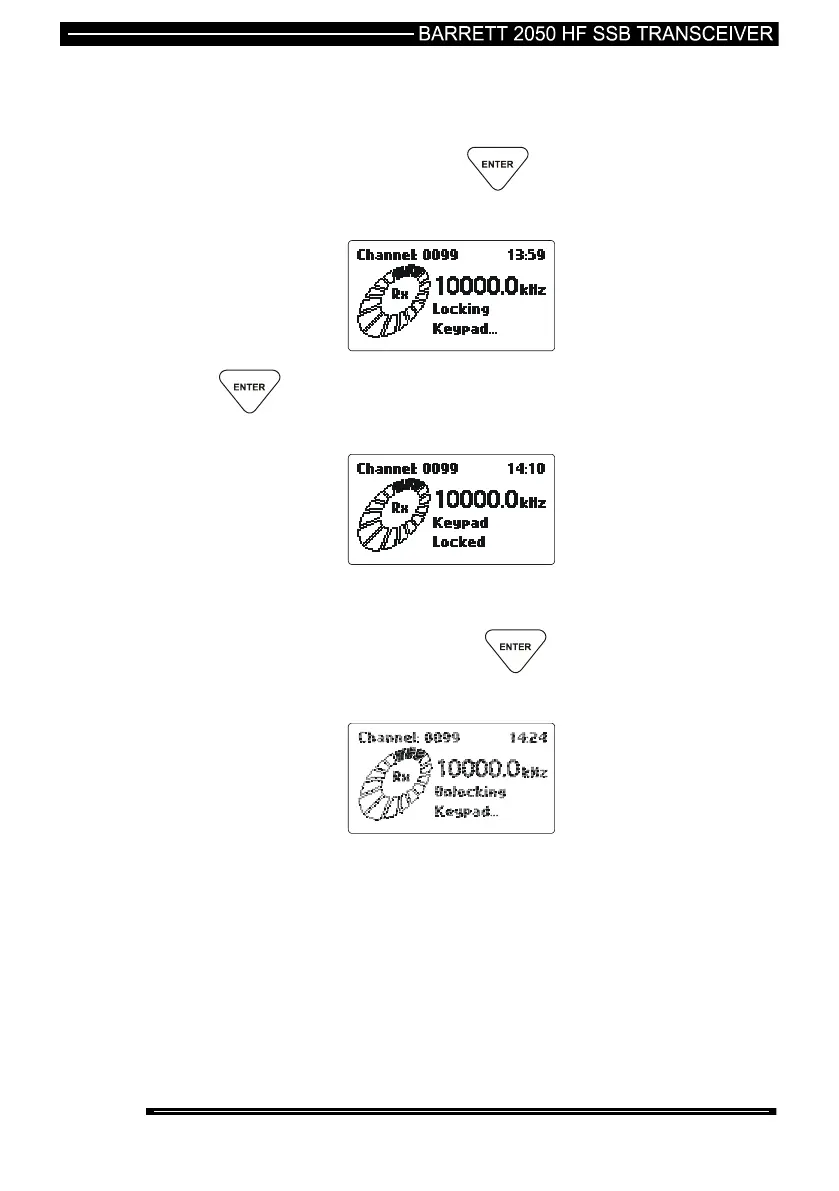
The keypad can be locked by the user to stop accidental key press activity.
To lock the keypad press and hold down the key. The display will show
the following :
Once the key has been held down long enough the “Keypad Locked”
message will be displayed.
The “Keypad Locked” message will be shown whenever a key is pressed.
To unlock the keypad press and hold down the key. The display will
show the following :



 To Next Page