56 of 285
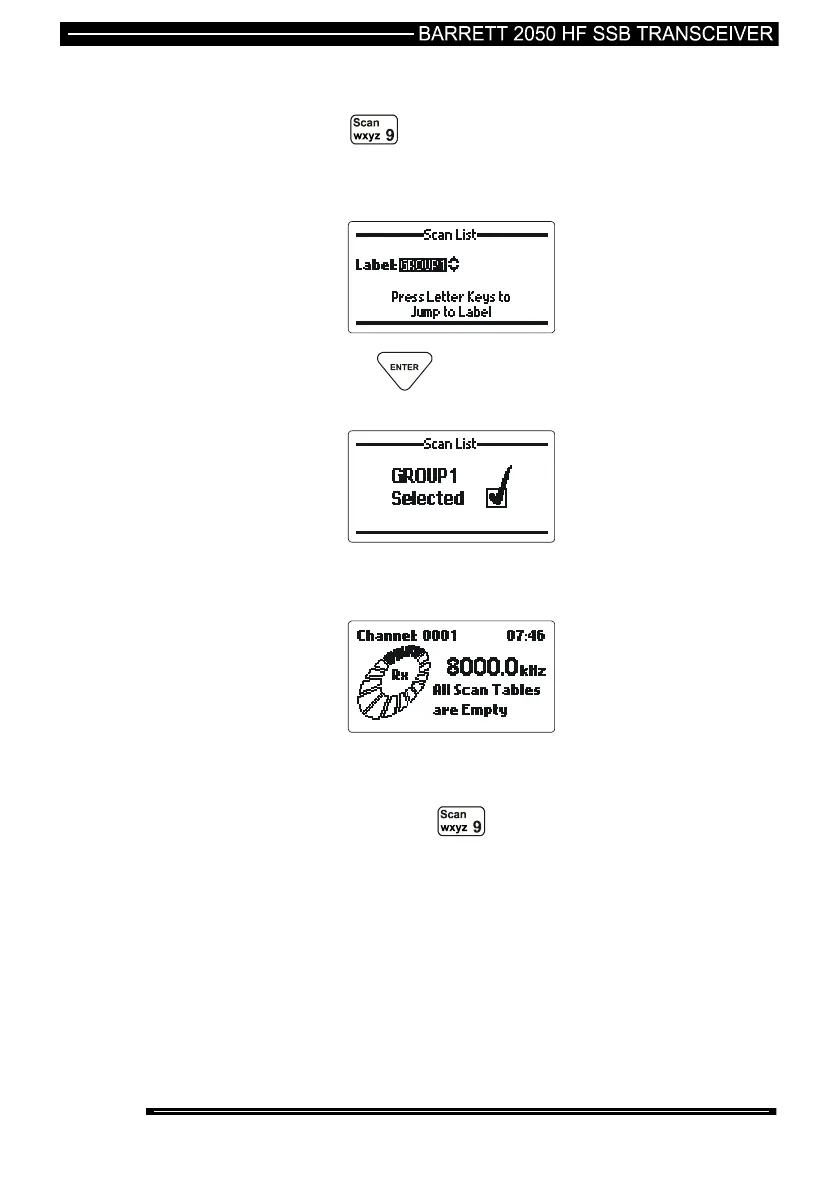
Selecting a Scan Table
press the key for more than two seconds
use the scroll keys to select the scan table required, or press a
letter key to jump to a label directly.
then press the key
Note:- If no scan tables are programmed the following is displayed:-
Initiating Scan
Momentarily press the key.
Alternatively scan may be programmed as a default condition so when the
transceiver is switched on, and after a period of inactivity, i.e. no key presses, the
transceiver returns to scan.



 To Next Page