211 of 285
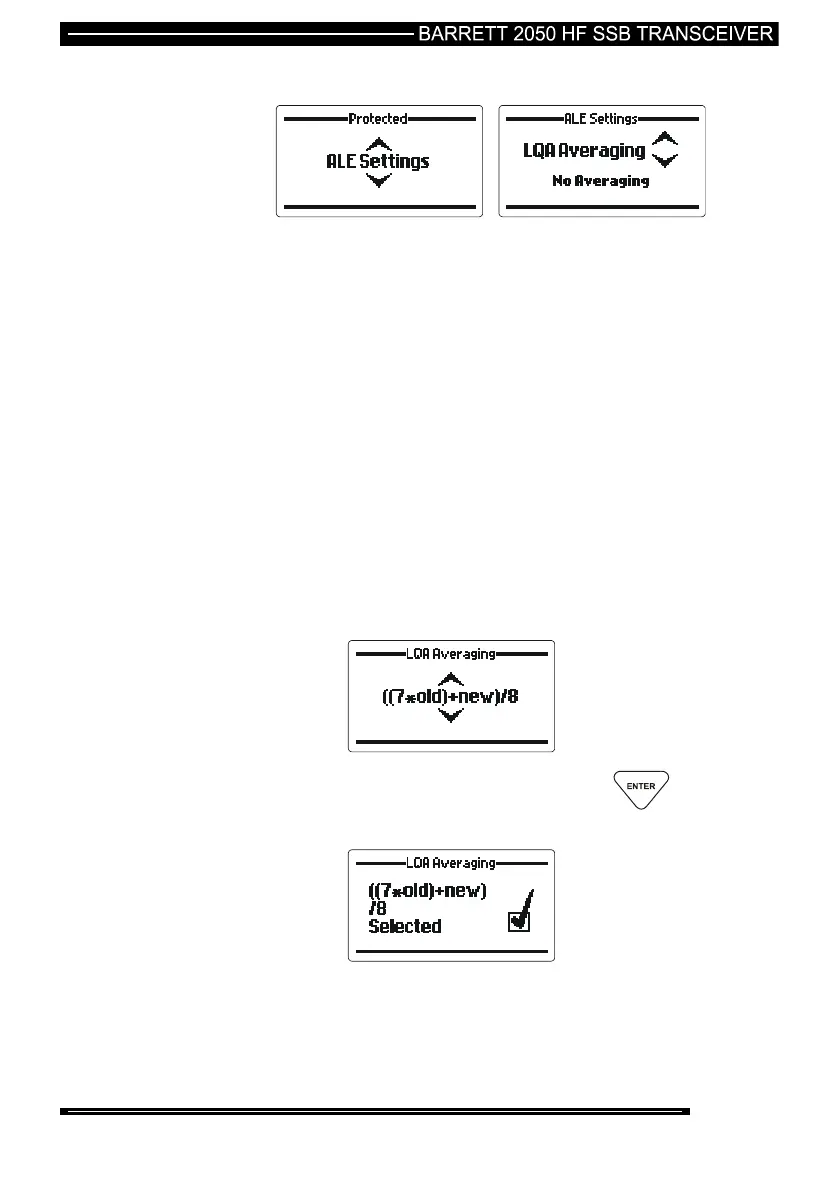
Link Quality Analysis (LQA) Averaging
This option sets the method used to update an existing link quality value stored in
ALE processor memory when the new link quality value is worse than the stored
value.
The option can be set to either replace the old values with the new values or
replace the old values with different weighted averages of the old values and new
readings.
Averaging reduces the effect that one bad reading might otherwise have on a
perfect channel. If a new reading is better than an old value, the old value is
replaced by the reading. There are 4 different averaging formulas available:-
No averaging, replace the old values with new values
(old+new)/2
((3*old)+new)/4
((7*old)+new)/8
Use the Scroll keys to select the LQA averaging value required
(example “((7*old)+new)/8”:-
When the setting required is selected press the key



 To Next Page