29 of 285
Default Self IDs
Default self IDs are the IDs used when making a selective call. They are used when
the self ID is not set during the call procedure or the Selcall address book entry
being used does not have a self ID attached to it. These IDs are also used when
making calls via the RS232 control command set.
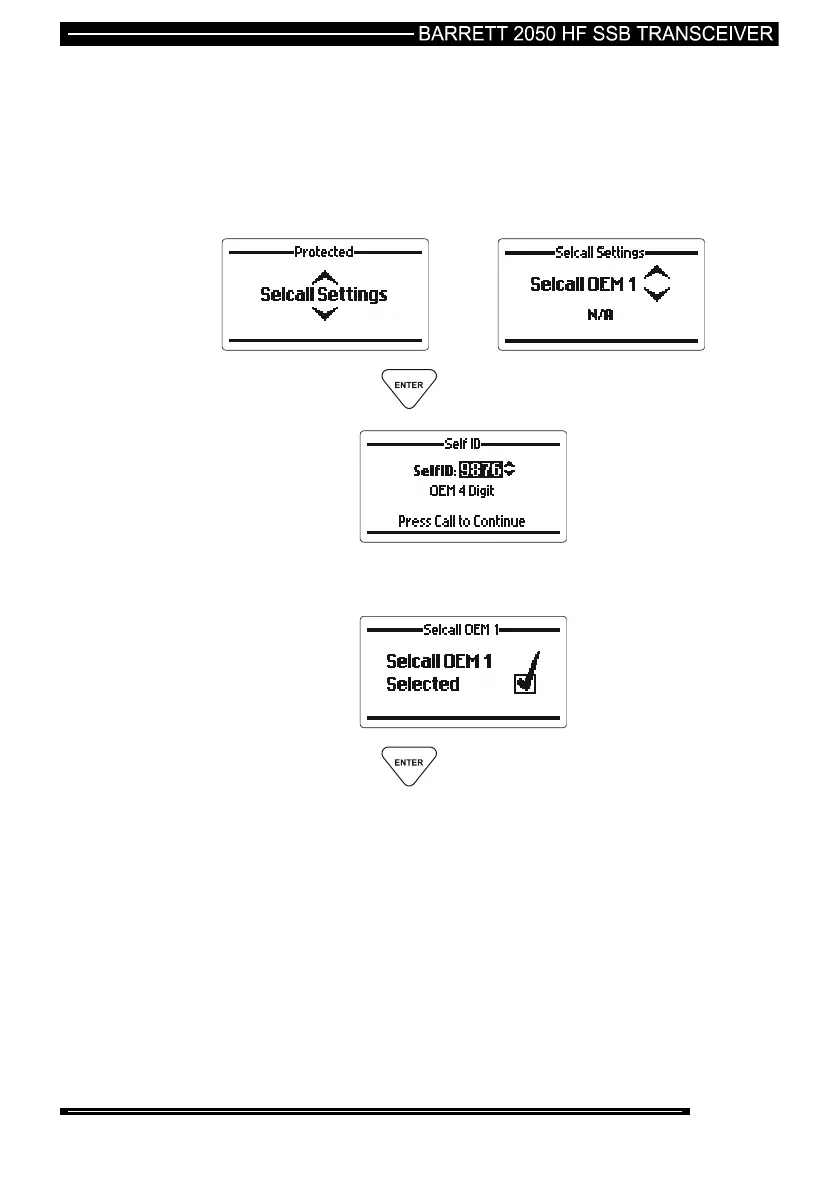
Setting Default Self IDs
then press the key.
Use the scroll keys to select the self id to attach to the default ID (in this
case the four digit OEM default ID)
then press the key.
Repeat the steps above for each default ID.



 To Next Page