90 of 285
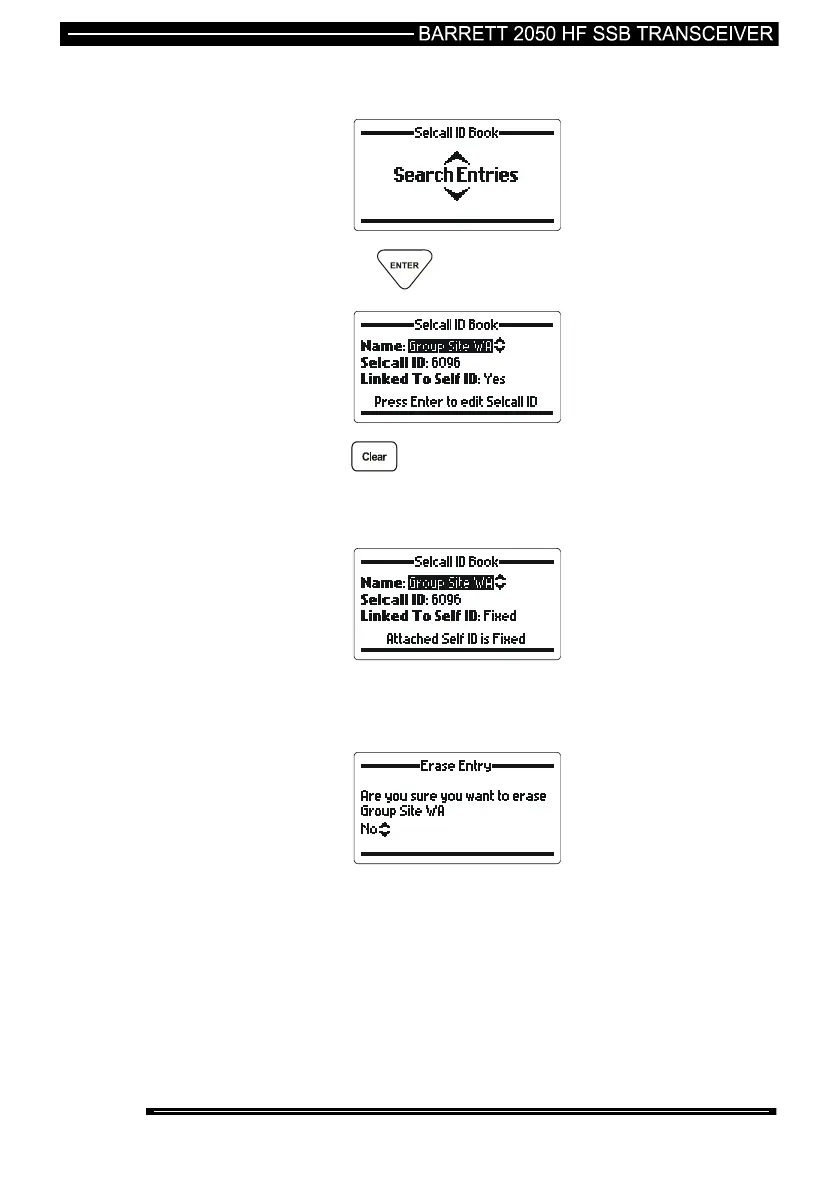
Selcall ID Book – Erase an Entry
then press the key.
press the key for more than two seconds. The erase
entry verification screen will appear unless the address book entry
is fixed. If this is the case then an error will be displayed on the
screen.
The address book entry is fixed. To delete this address book
entry it must be modified in the 2000 Series Programming
Software so that the fixed option is unchecked.



 To Next Page