149 of 285
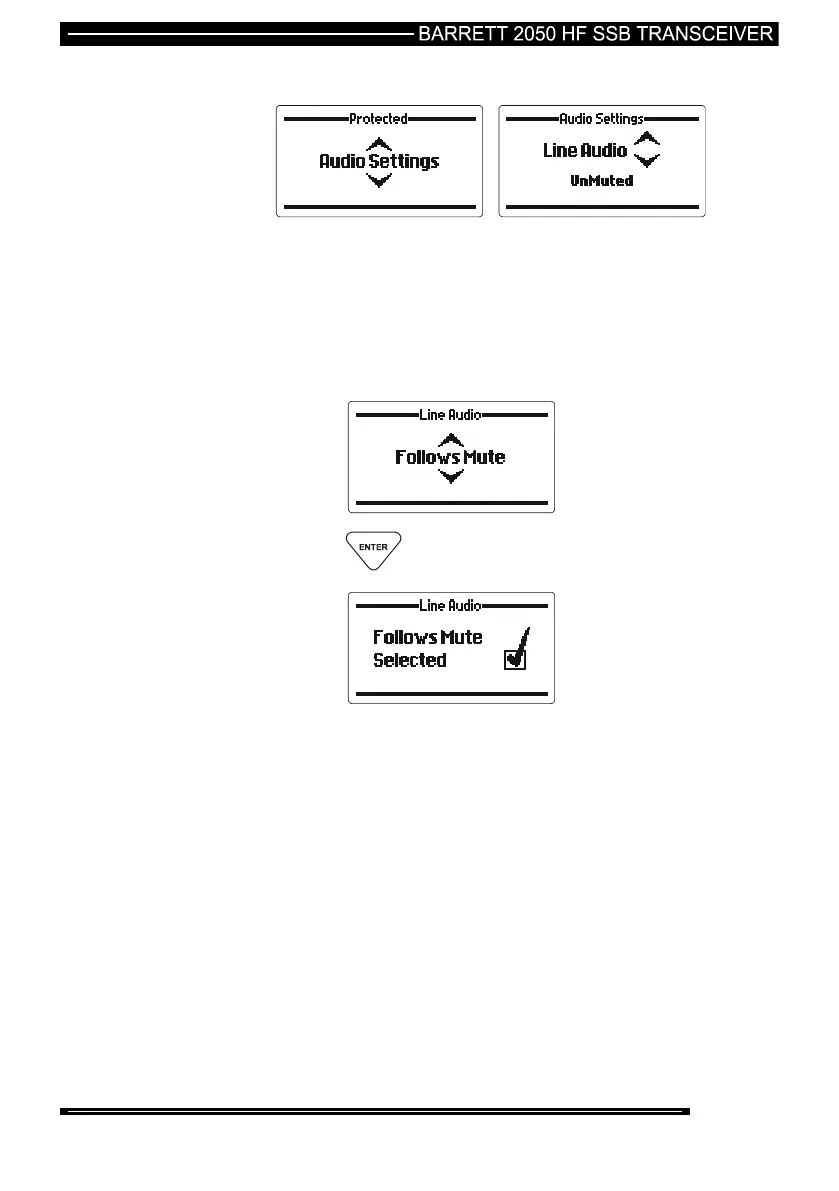
Line Audio
This section sets the muting condition of the 600 ohms balanced audio line output
on the rear auxiliary connector. The line output can be set to “Un-Muted” or
“Follows Mute”. When set to “Follows Mute” the line output is muted in the same
manner as the speaker output and follows the mute condition currently in use. The
line output is usually set to “Un-Muted” when using data modems.
Use the Scroll keys to select the noise reduction “depth” required
(example “Follows Mute”):-
press the key



 To Next Page