217 of 285
Programming a Channel from the Front Panel
Note:- To program a channel from the front panel it is necessary to have this
function enabled.
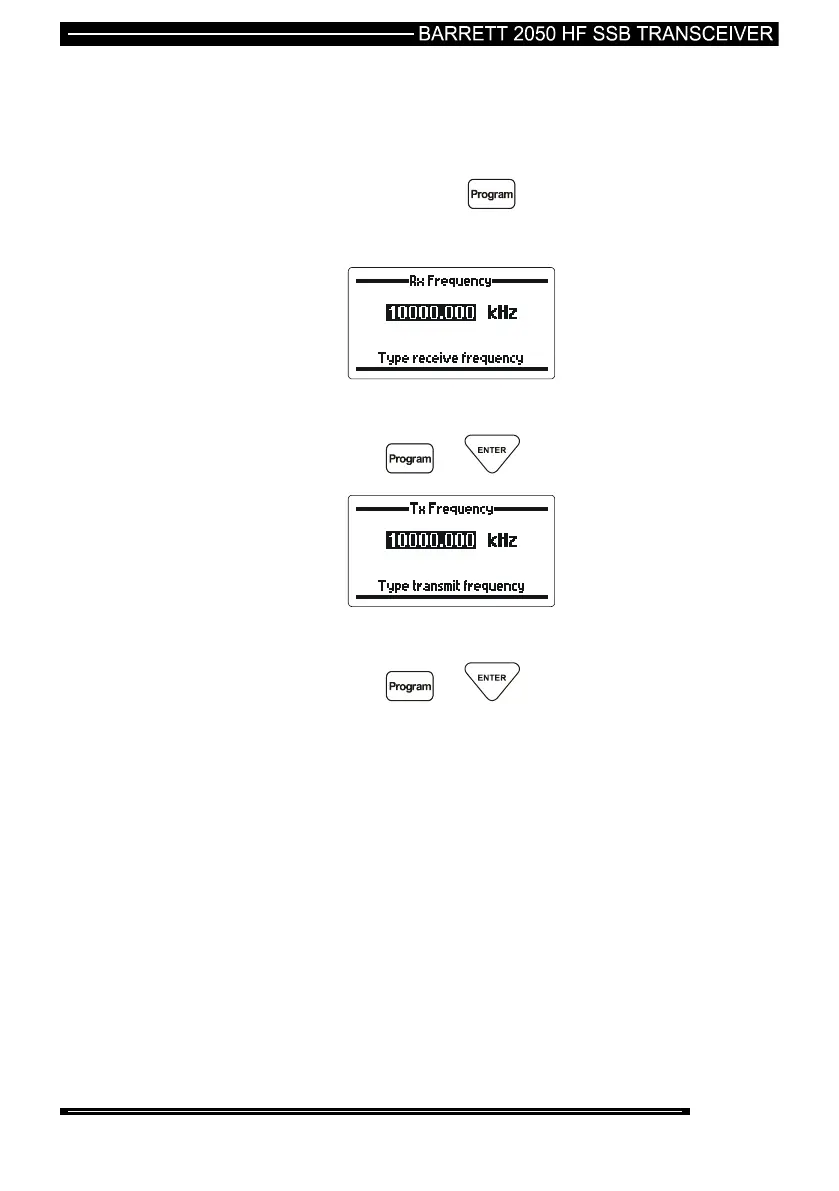
To enter the programming mode first select the channel you want
to program then press the key:-
Transmit and Receive Frequencies
Use the numeric keypad to enter the receive frequency
then press the or key
Use the numeric keypad to enter the transmit frequency
then press the or key



 To Next Page