151 of 285
RF Settings
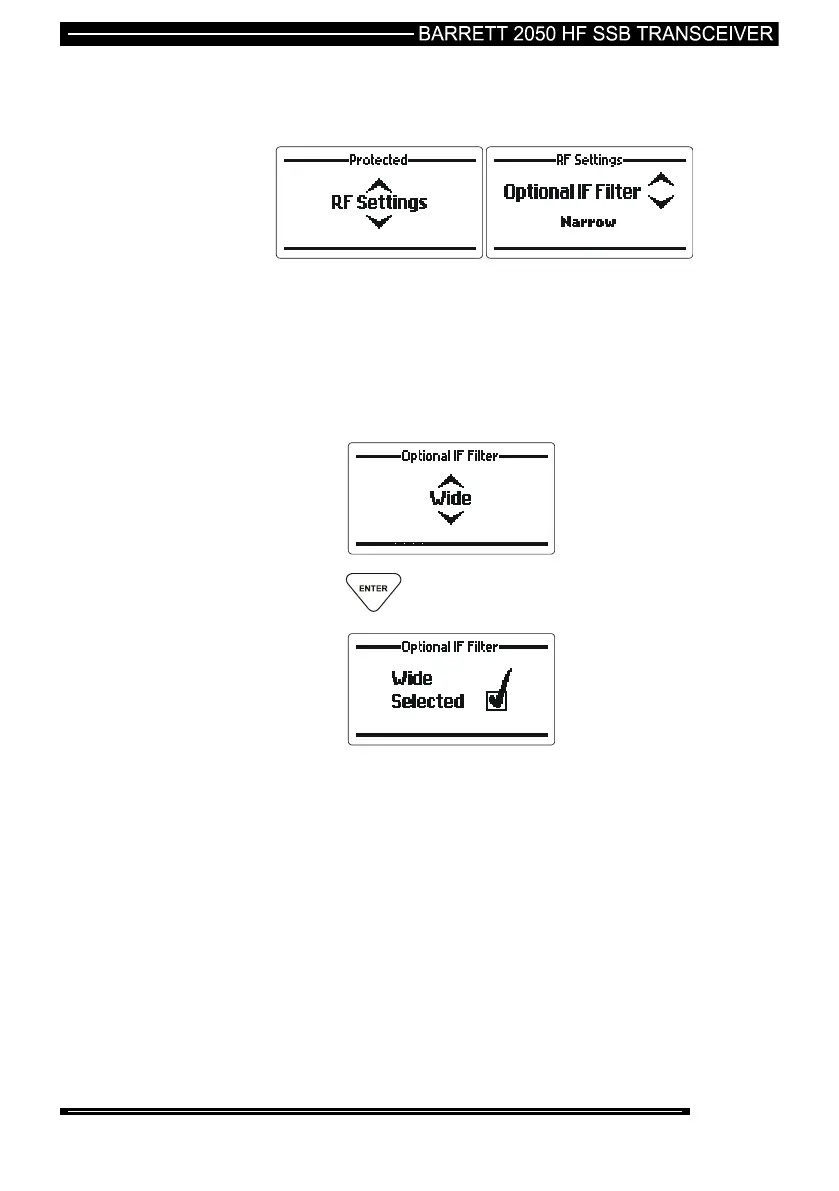
Optional IF Filter Enable
When enabled the optional IF filter (if physically fitted) is selected automatically
when AFSK or CW mode is selected. This is useful when the transceiver is used in
some data transmission applications. Two options are available, “Narrow” or
“Wide”. When “Narrow” is selected the filter bandwidth is 500Hz. If “Wide” is
selected then the filter bandwidth is 3 kHz.
Use the Scroll keys to select the setting required (example
shown “Wide”):-
press the key
Note:- This setting is only available if the narrow filter setting is enabled via the
2000 series programming software.



 To Next Page