218 of 285
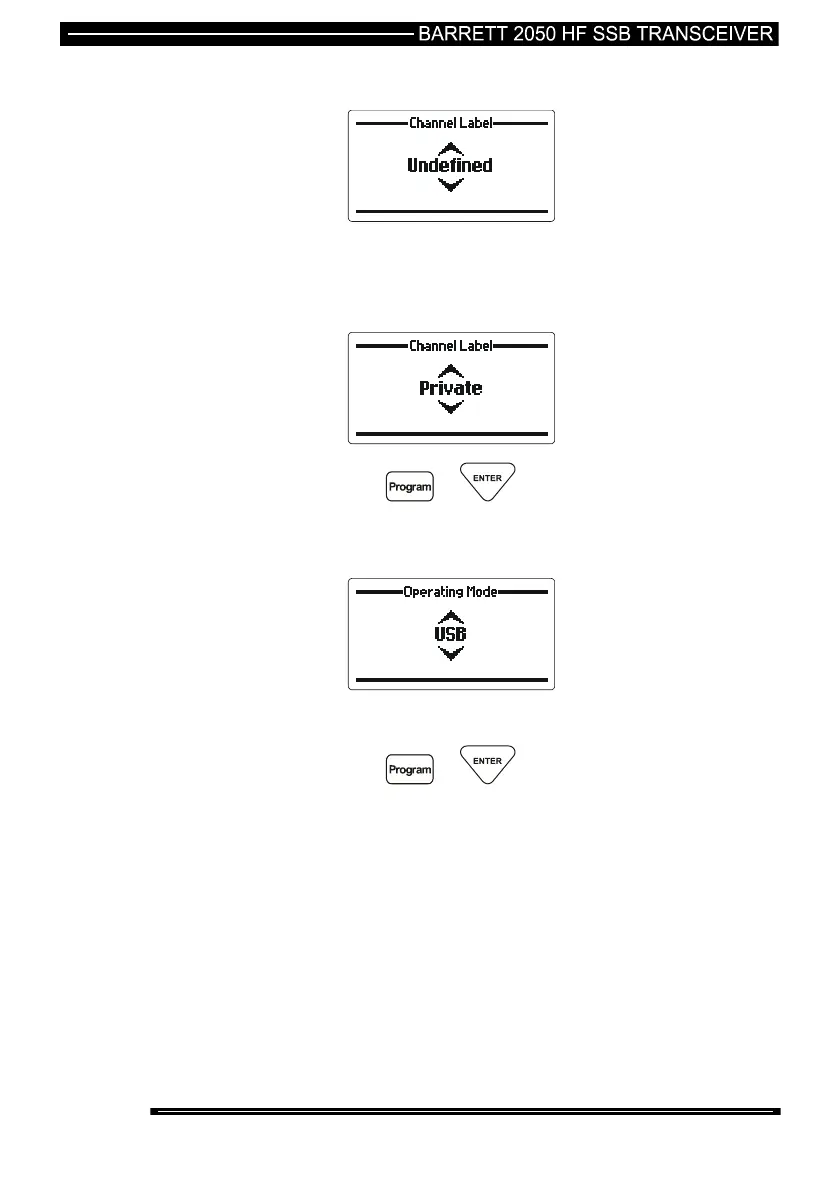
Channel Use Labels
Use the Scroll keys to select the required channel label
Note:- Channel labels can be entered in the “General” section of the protected
menu.
then press the or key
Operating Mode
Use the Scroll keys to select the required operating mode, USB,
LSB, AM, CW or AFSK
then press the or key
Note:- If the 500 Hz or narrow filter hardware option is enabled this filter is
automatically selected in CW mode and AFSK mode



 To Next Page