25 of 285
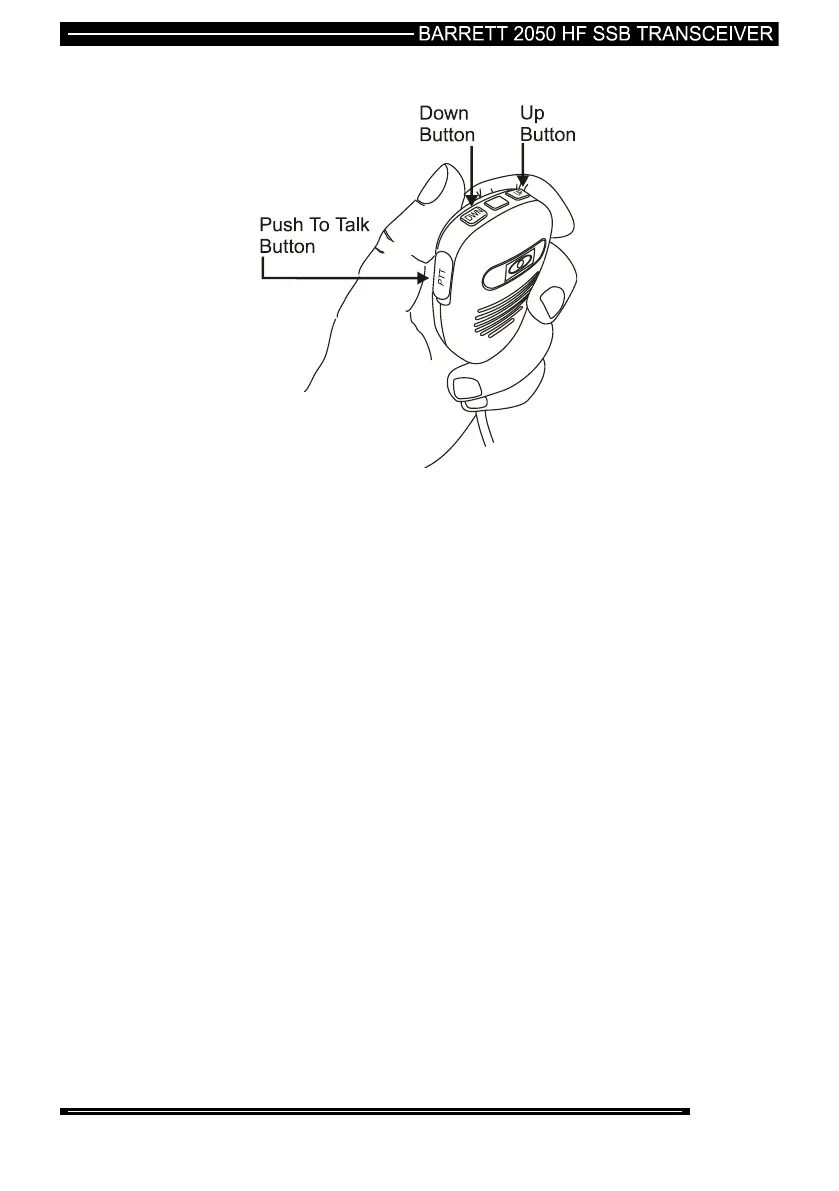
Using the Microphone
When Using the Microphone:-
Press and hold down the PTT (transmit) button only while talking
Hold the microphone close to your mouth
Speak clearly
Use the word ‘over” to indicate you have finished speaking and
release the PTT (transmit) button.
The up/down buttons can be configured in the software to control
either the audio volume or channel up/down operations.
Note:- The Barrett 2050 has a transmit “time-out” facility. This facility (when
programmed) allows the transmitter to be keyed in transmit mode with the PTT
(transmit) switch for a set time period, after which the transceiver switches to
receive until the PTT (transmit button is released and re-keyed. This facility
prevents the transmitter transmitting for long periods of time if, for instance, the
microphone becomes jammed between seats in a vehicle causing the PTT
(transmit) switch to be held down.
Note:- Enabling, disabling and changing the time of the transmit timeout facility can
be set either when programming the transceiver or in the “General ” section of the
protected menu.
Note:- The microphone up/down buttons can be configured for channel change or
volume control functions either when programming the transceiver or in the
“General” section of the protected menu.



 To Next Page