39 of 285
Receiving a Beacon Call
When a transceiver receives a beacon request call, it responds by transmitting the
Beacon Call revertive tones. No indications occur on the transceiver. Beacon Calls
are not saved in the Selcall history buffer.
Sending a Selcall
select the channel you want to send the Selcall on. (“Beacon Call”
can be used to select the best channel)
listen for traffic on that channel, if no traffic is heard then continue
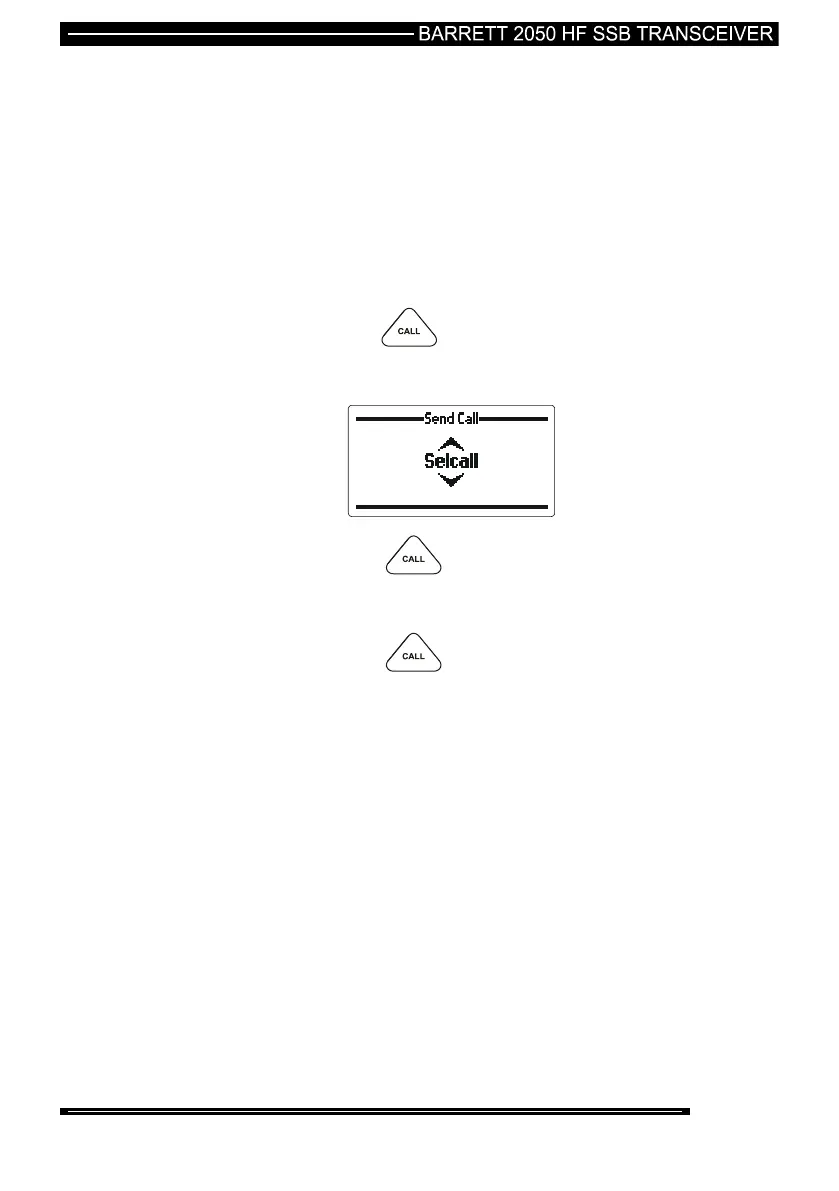
then press the key
select “Selcall” with the scroll keys
then press the key
enter the station ID of the station you wish to call (see “Entering
station IDs and using the address and telephone books”)
then press the key
wait for the Selective Call to be sent.
listen for revertive tone from the called station that indicates the
call was successful.
If no revertive tone is heard or it was difficult to hear try another
channel and repeat the process until a good channel is found.
If a revertive tone is heard but you receive no verbal response
from the station it may be because the operator is unavailable at
the time.



 To Next Page