76 of 285
then press the key
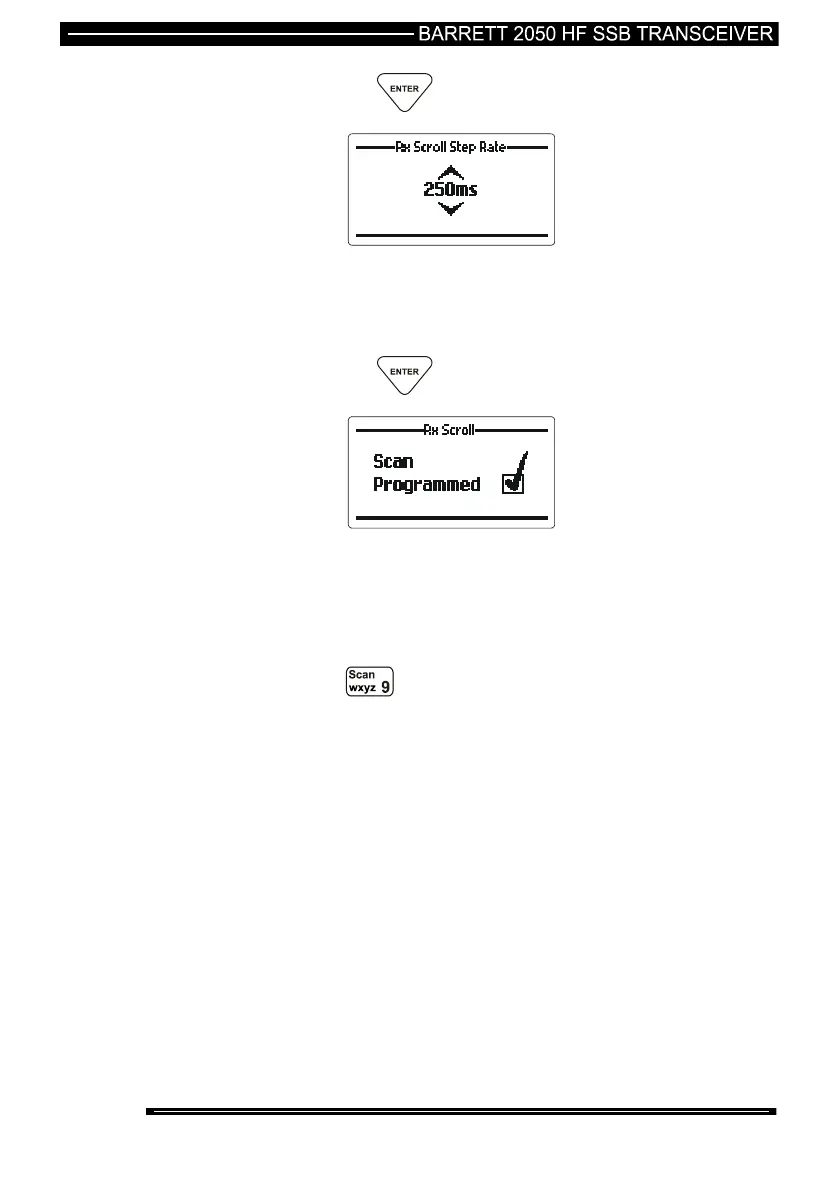
The last scan step speed increment entered is displayed. If
required, use the Scroll keys to select step speed in milliseconds.
(steps available 100 mS, 250 mS, 500 mS, 1000 mS (example
shown 250 mS)
then press the key
The receiver will now be scanning using the entered parameters.
Start Receiver Scanning Manually
To start receiver scanning, enter the tuning receiver mode, then:-
press the key
The receiver will now be scanning using the last entered
parameters.
The transceiver will halt scanning for the following reasons:-
Signal Strength Level (SSL) mute is selected and a signal with a level
greater than the pre-set threshold is received.
Audio (syllabic) mute is selected and a voice signal is detected



 To Next Page