75 of 285
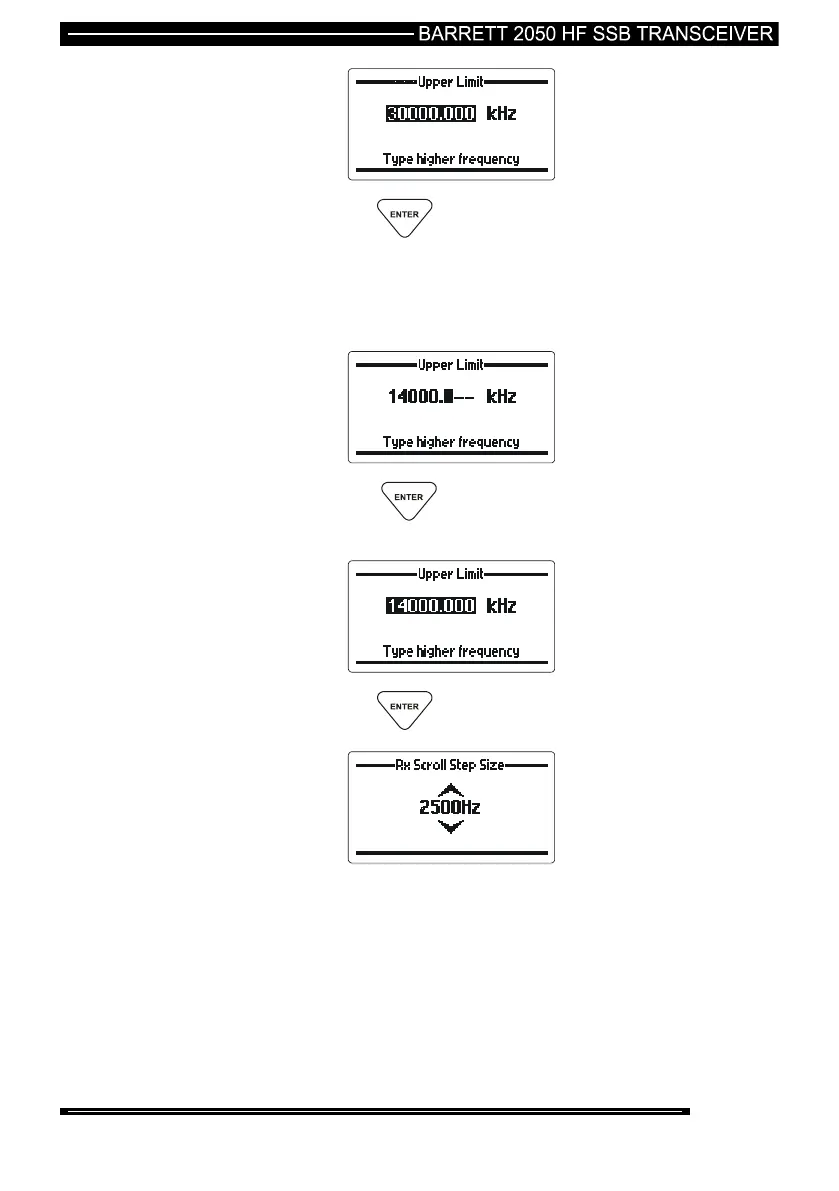
then press the key
Enter a new frequency, using the numeric keys, to set the upper
scan limit boundary - example below shows the upper limit set to
14 MHz:-
then press the key The newly entered frequency will be
displayed.
then press the key
The last scan step increment entered is displayed. If required, use
the scroll keys to select the step increment required in Hz (Steps
available 100 Hz (0.1 kHz), 250 Hz (0.25 kHz), 1000 Hz (1 kHz),
2500 Hz (2.5 kHz) (example shown 2500 Hz)



 To Next Page