150 of 285
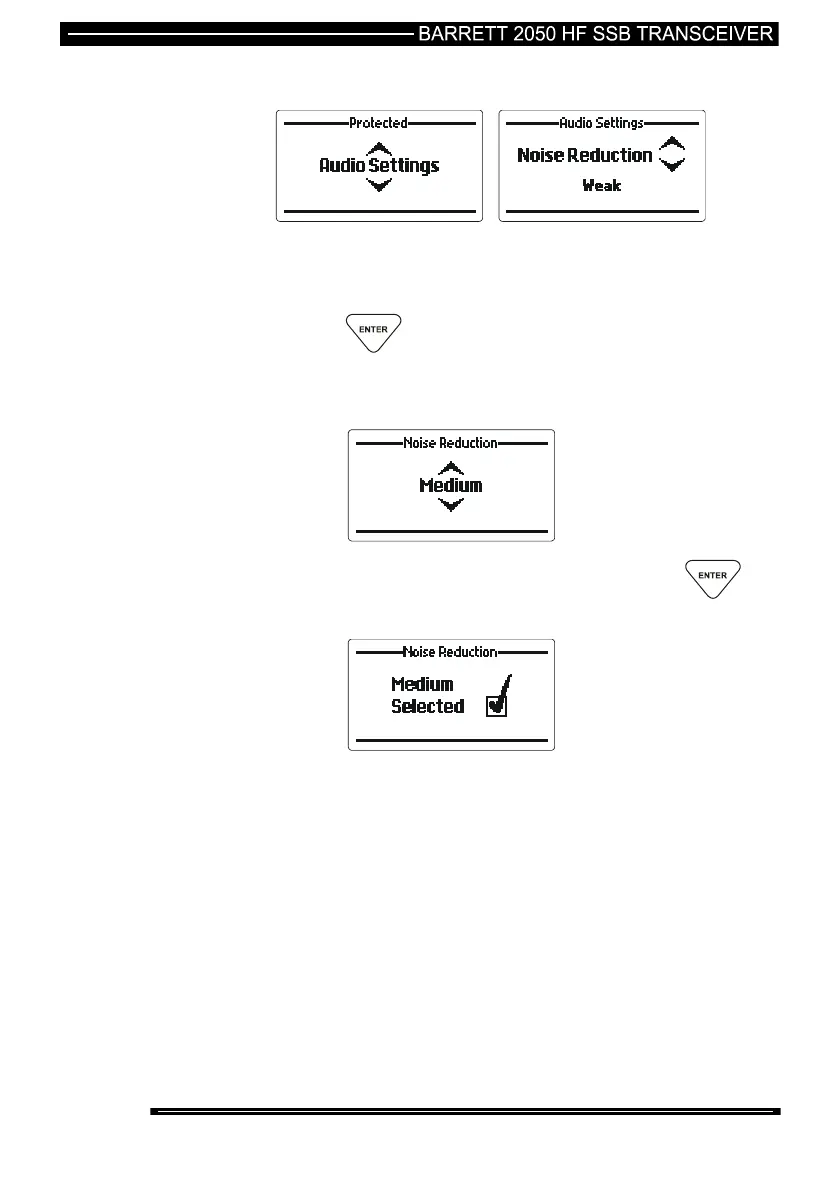
Noise Reduction
This section allows the DSP noise reduction “depth” to be adjusted to suit the
operator’s comfort requirements. Settings available are Weak, Medium and Strong.
It should be noted that as the “depth” is increased the processed human voice gets
a more metallic quality.
press the key
Use the Scroll keys to select the noise reduction “depth” required
(example “Medium”):-
When the noise reduction required is displayed press the
key



 To Next Page