58 of 285
Noise Reduction Selection
The DSP noise reduction system is enabled and disabled by momentarily pressing
the key.
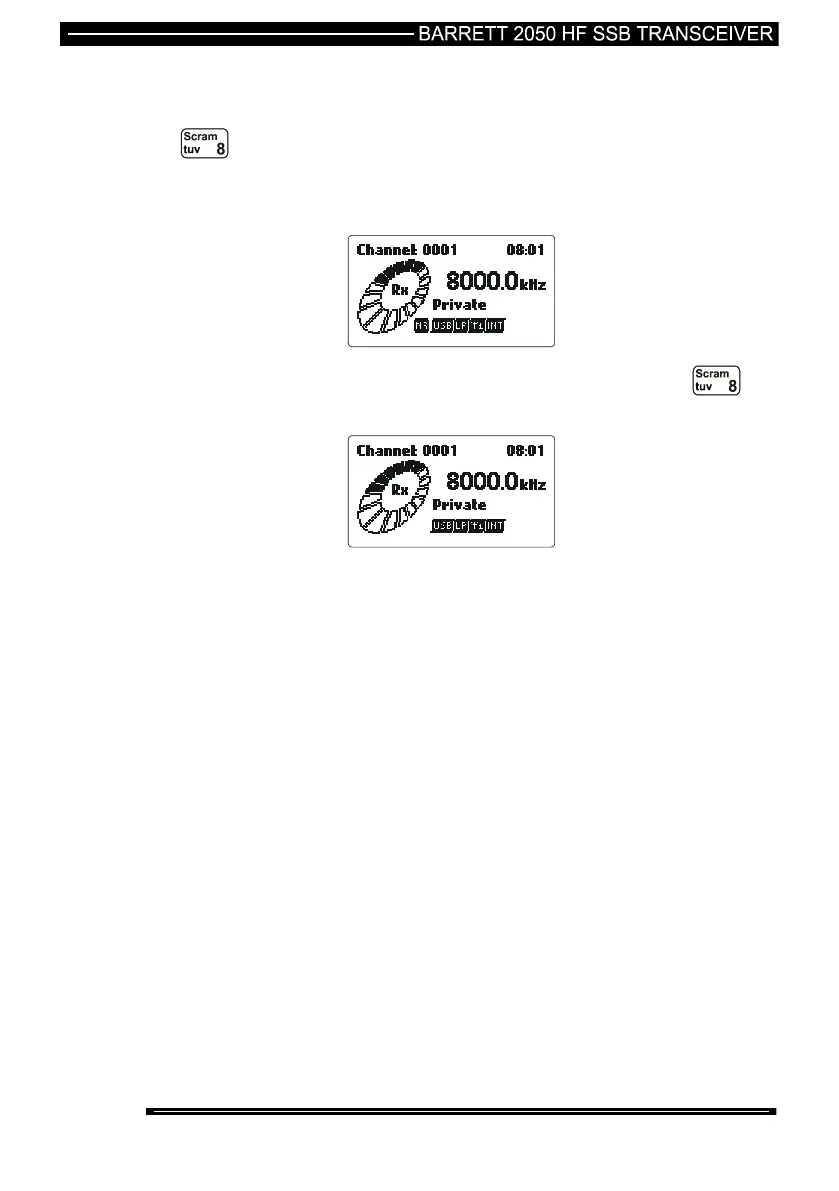
When the noise reduction system is selected the display shows a small icon to the
left of the mode indication notated NR as below:-
The DSP noise reduction system is disabled by momentary pressing the
key.
Note:- There are three levels of noise reduction available, these levels can be set
either when programming the transceiver or in the “Audio Settings” section of the
protected menu.



 To Next Page