227 of 285
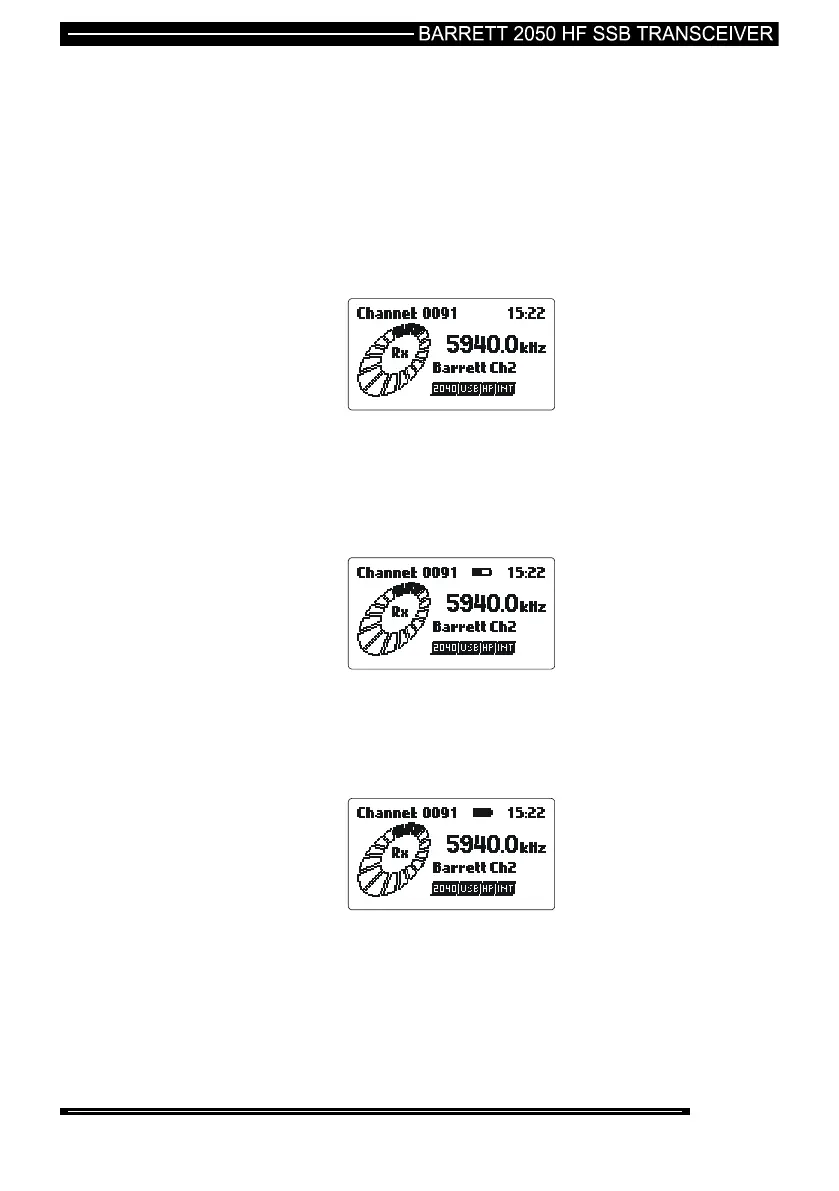
Battery Charge Indicator when Charging the 2040
When the charging source is connected to the 2040 and the transceiver is switched
on, the battery icon between the channel number and the time shows the progress
of the charge process:-
If no battery charging icon is visible it indicates the charging
device is not connected or connected but not providing charge, or
is connected but switched off:-
The battery icon with a moving line running from left to right
indicates that the battery is charging:-
The battery icon stationary and filled “black” indicates that the
battery is charged and the charger is now trickle charging:-



 To Next Page