20 of 285
Switching on the Transceiver
Switching on the Transceiver – Without a PIN
Press for 1 second turns transceiver on.
Switching on the Transceiver – With a PIN
Press for 1 second turns transceiver on.
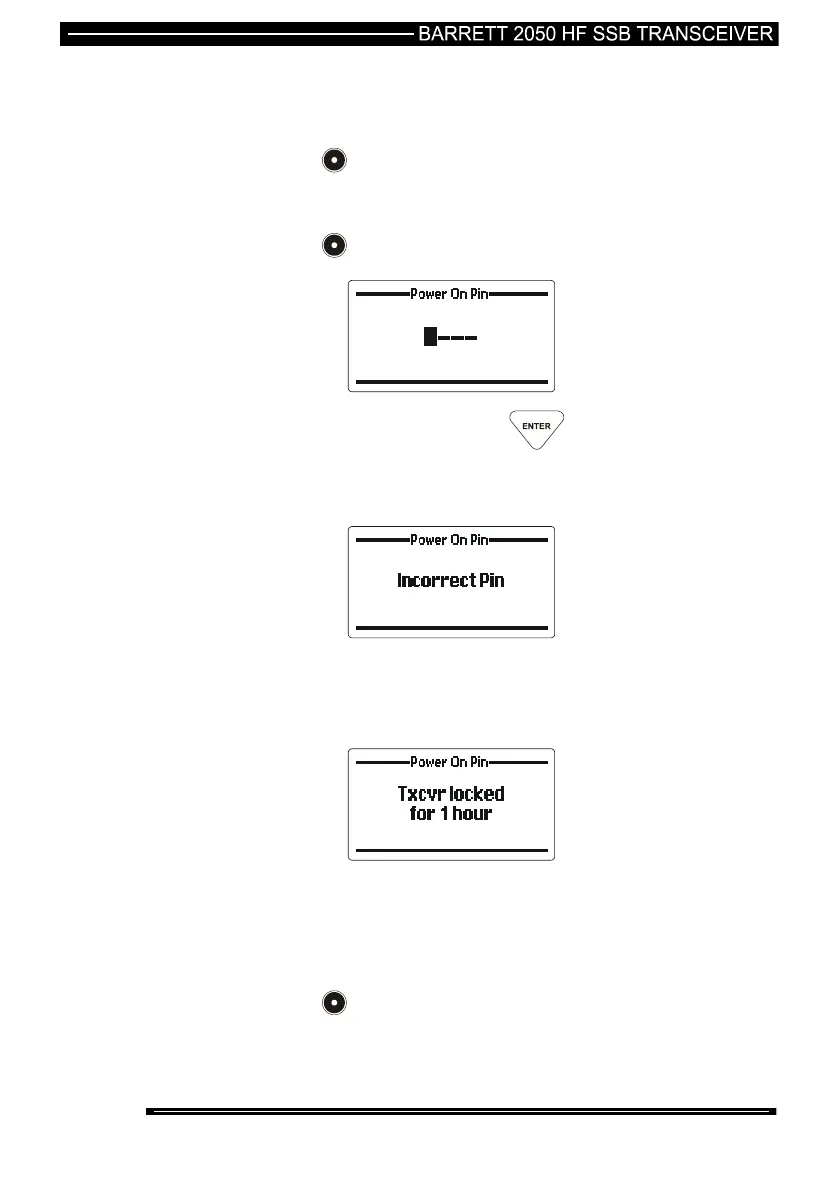
Enter the PIN number and press key
The transceiver will now be switched on, if however the incorrect
PIN number was entered the following is displayed:-
This display will time out and allow the re-entry of the PIN
number. If however the PIN number is entered 10 times
incorrectly the transceiver will not allow PIN number entry for a
period of one hour displaying the following:-
Note:- The power on PIN number would have been loaded into
the transceiver during programming if the function is in use. Refer
to your network administrator.
Switching Off the Transceiver
Press for 1 second turns transceiver off.



 To Next Page