176 of 285
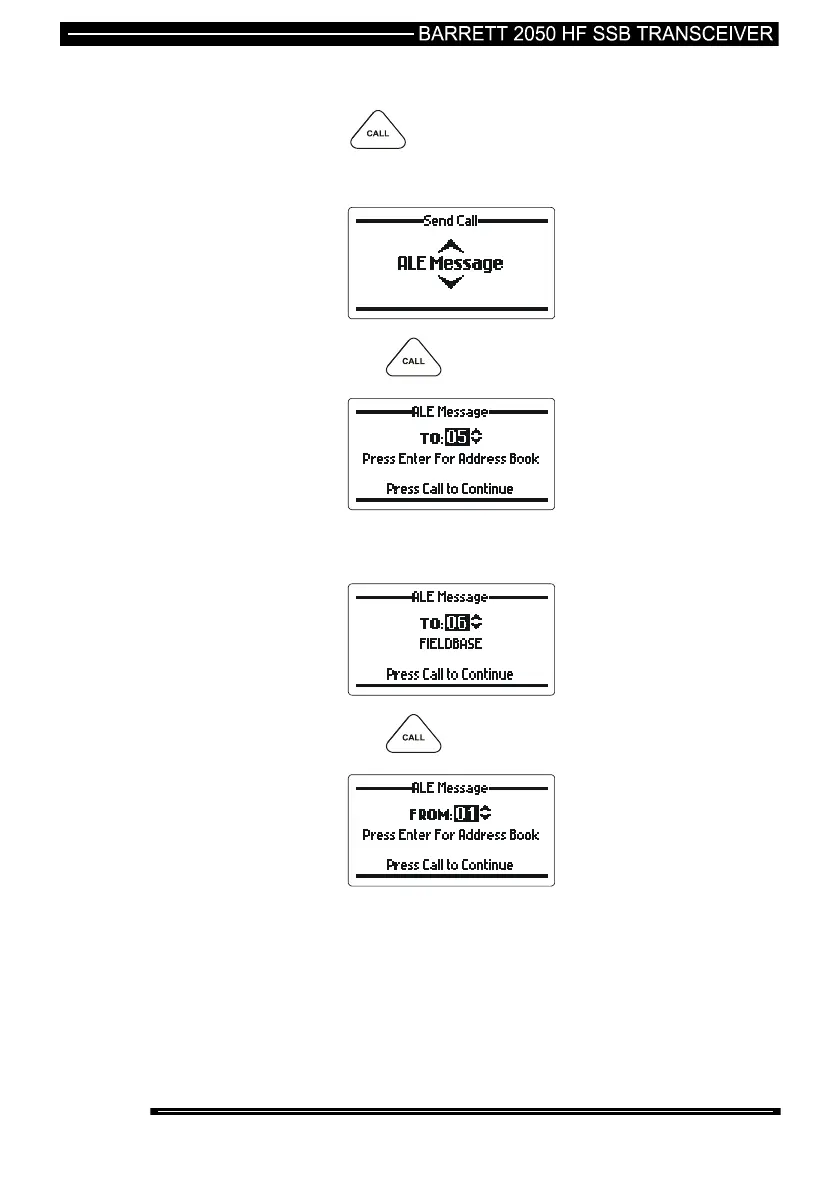
Sending an ALE Text Message to Another Station in an ALE Network
press the key
select “ALE Message” with the scroll keys;-
then press the key
select the station ID of the station you wish to call (the “To” ID)
(see the section below “Selecting ALE Station IDs)
then press the key
select the station ID you are calling from (your self ID can be
varied, (the “From” ID)) (see the section below “Selecting ALE
station IDs)



 To Next Page