136 of 285
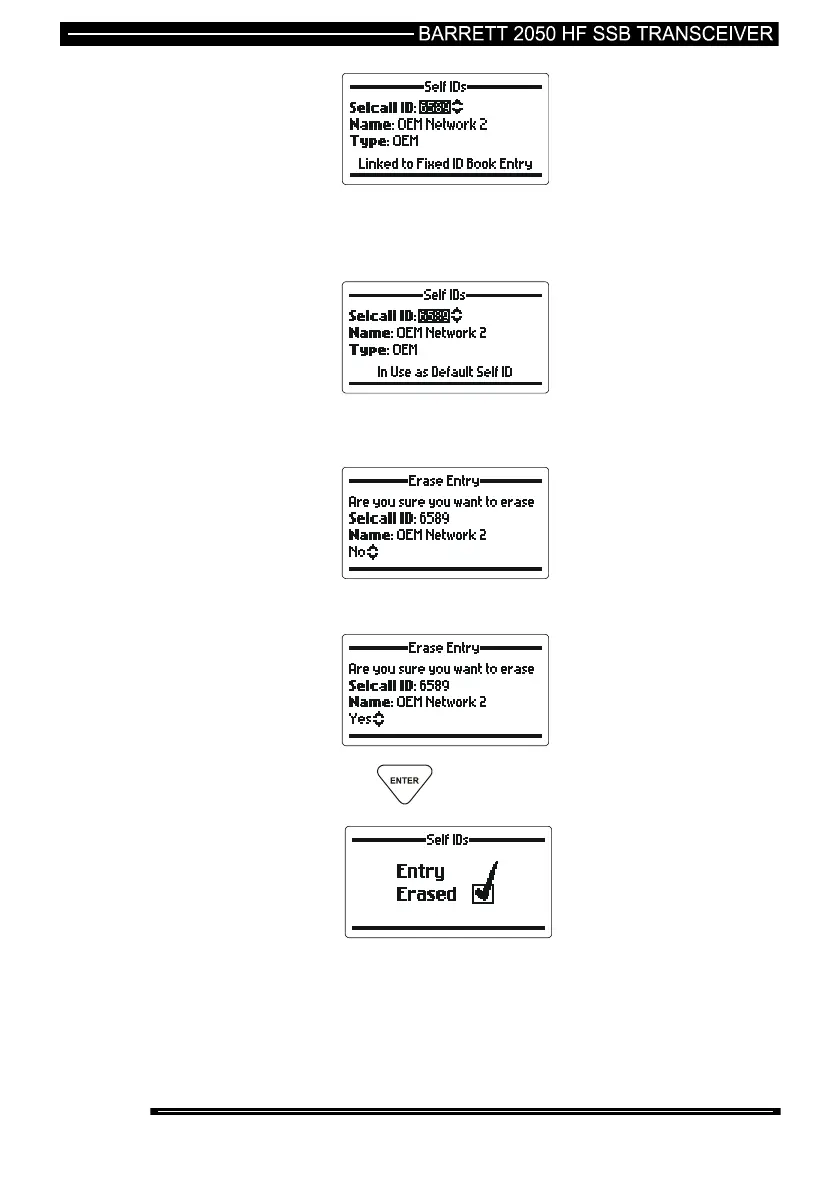
The self ID is attached to an address book entry which is fixed. To delete this self
ID the address book entry must be modified in the 2000 Series Programming
Software to have the self ID detached from it.
The self ID is set as one of the 4 default self IDs. To delete this self ID it must be
removed from the default ID list.
use the Scroll keys to select “Yes” to erase the ID.
then press the key.



 To Next Page