69 of 285
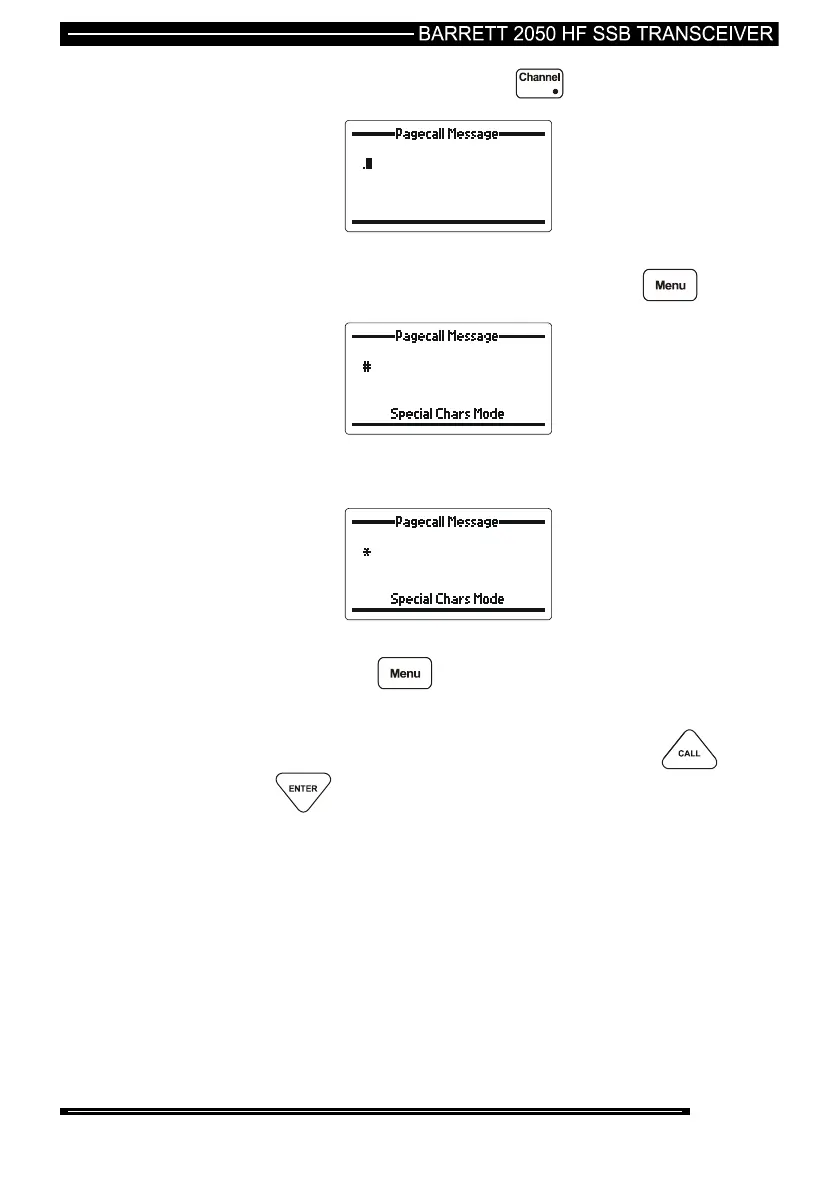
To select a ‘.’ character press the key.
To select either the ‘*’ or ‘#’ character the transceiver needs to go
into ‘Special Character Mode’. To do this press the key.
Please note that if V14 or later front panel firmware is not fitted
then a ‘?’ will be shown in place of the ‘#’.
Use the up/down scroll keys to select the character required.
Pressing the key again will exit the ‘Special Characters
Mode’ without saving the character to the message.
To save the character to the message press the or
keys.
Once the special character has been saved continue on with the
Pagecall as per normal.



 To Next Page