22 9424200994 Rev N
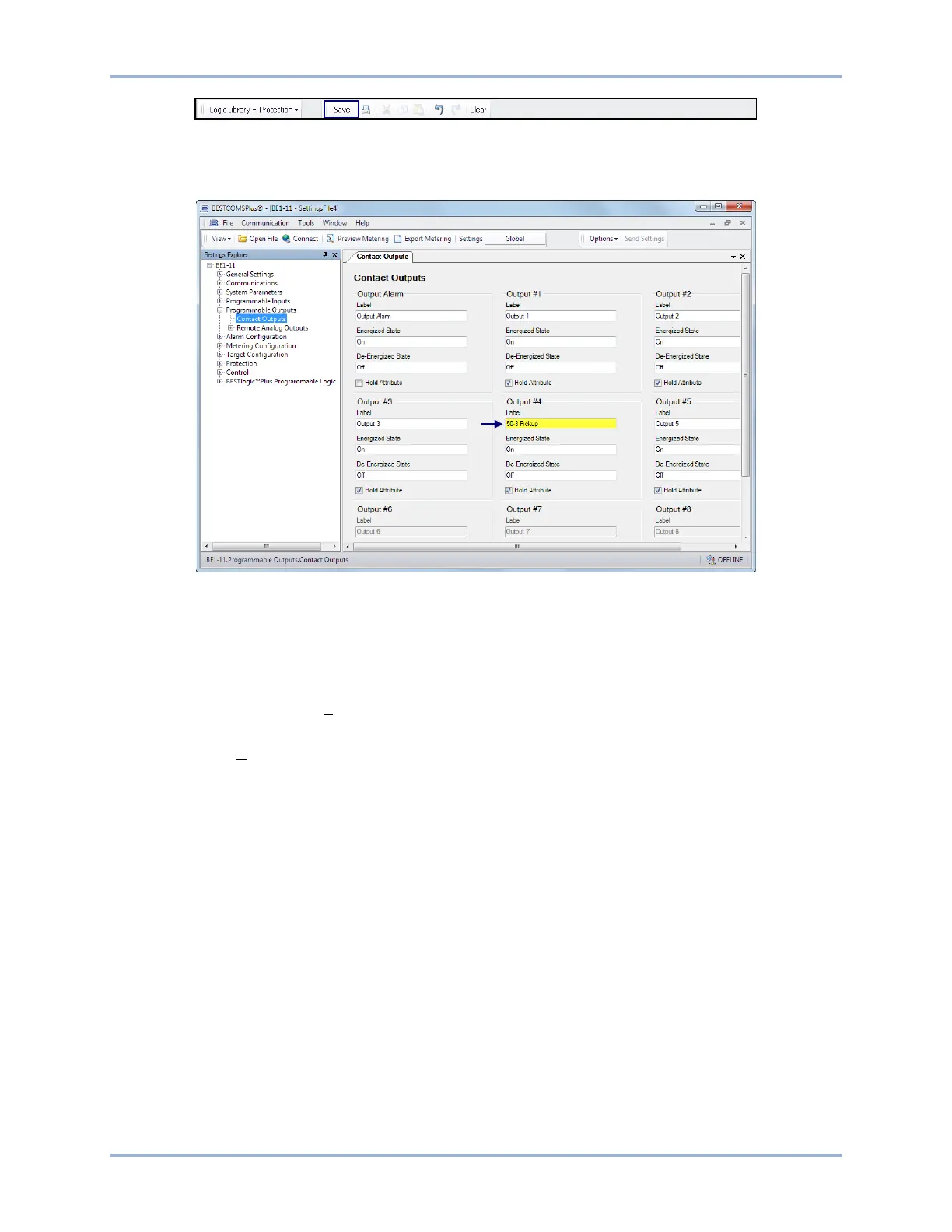
Figure 19. BESTlogicPlus Toolbar
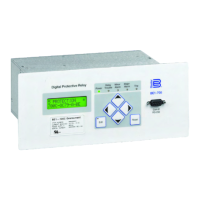
Step 13: In the Settings Explorer, expand Programmable Outputs, Contact Outputs, and name Output #4
(50-3 Pickup) as shown in Figure 20.
Figure 20. Contact Outputs Screen
Step 14: In the Settings Explorer, expand Alarm Configuration, User Programmable Alarms, and name
User Programmable Alarm #1 (50-3 Pickup) as shown in Figure 21.
Step 15: Figure 22 shows the user-defined labels of OUT4 and USERALM1 that were named in Step 13
and Step 14.
Step 16: Select Save from the File pull-down menu to save your new settings file.
Step 17: To make your new settings active in the BE1-11g, select Upload Settings and Logic to Device
from the Communication pull-down menu. Enter the username and password.
Quick Start BE1-11g


 To Next Page