9 | Web interface operation Baumer
40 Operating Manual OX100 | V2
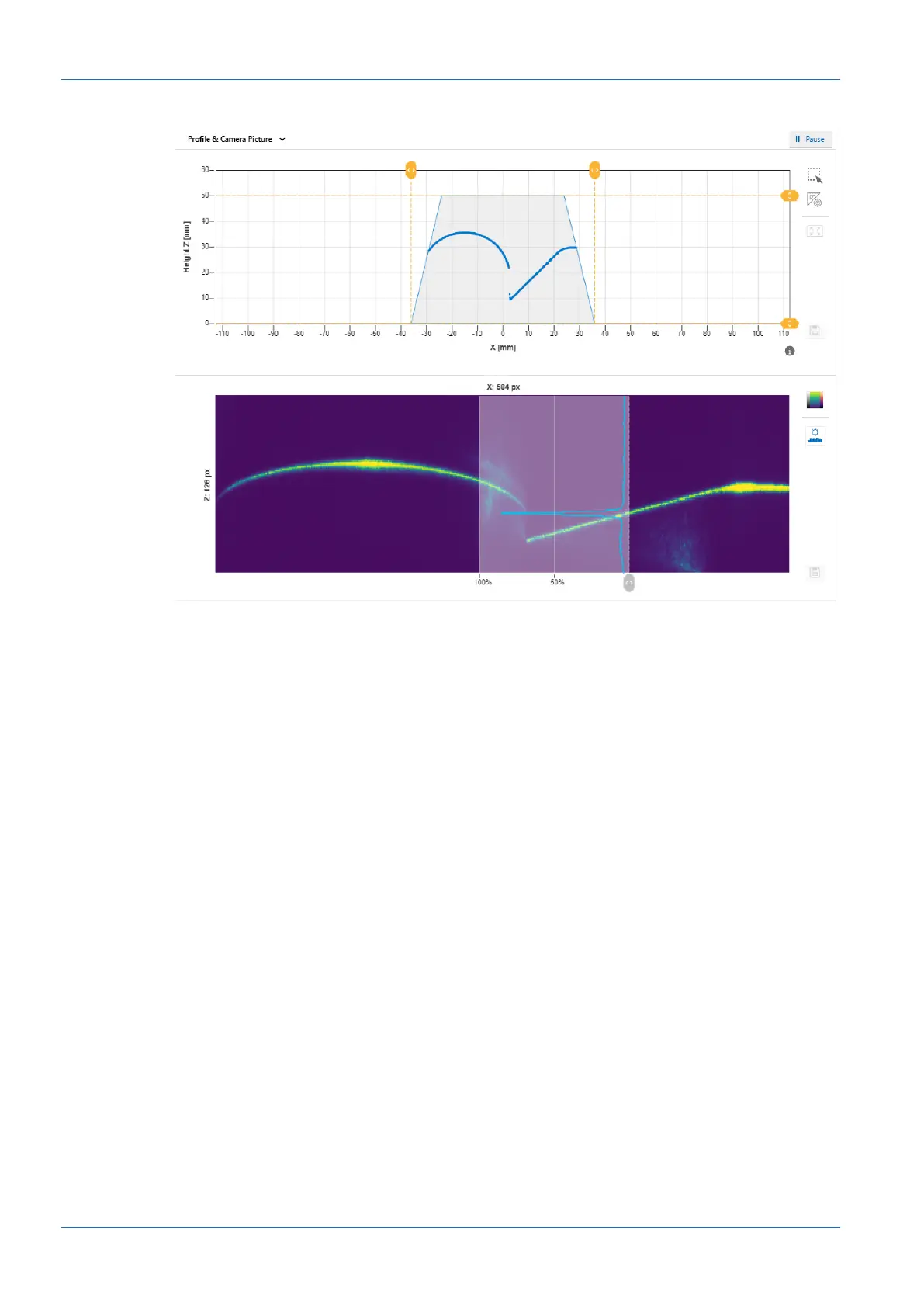
Profile & Camera Picture
Ill.15: Web interface – Parametrisation mode – Profile & Camera Picture view
The top diagram shows the profile points of the object. This diagram corresponds to the bottom
diagram in the Result over Time & Profile view.
The bottom diagram shows the camera image. This allows the detection of unwanted reflec-
tions, for example. The image can be presented in false colours via the top button to the right of
the camera image. This can help you set the correct exposure time or find unwanted reflections.
The lower button can be used to show an overlay indicating a cut along a select camera col-
umn. The overlay indicates the intensity of the column. The active column can be freely se-
lected by the grey slider underneath the camera image.



 To Next Page