9 | Web interface operation Baumer
56 Operating Manual OX100 | V2
9.3.2 Setting the background tracking
INFO
Background tracking requires the measuring tool straight/angle. Please refer to the sensor data
sheet whether this tool is supported.
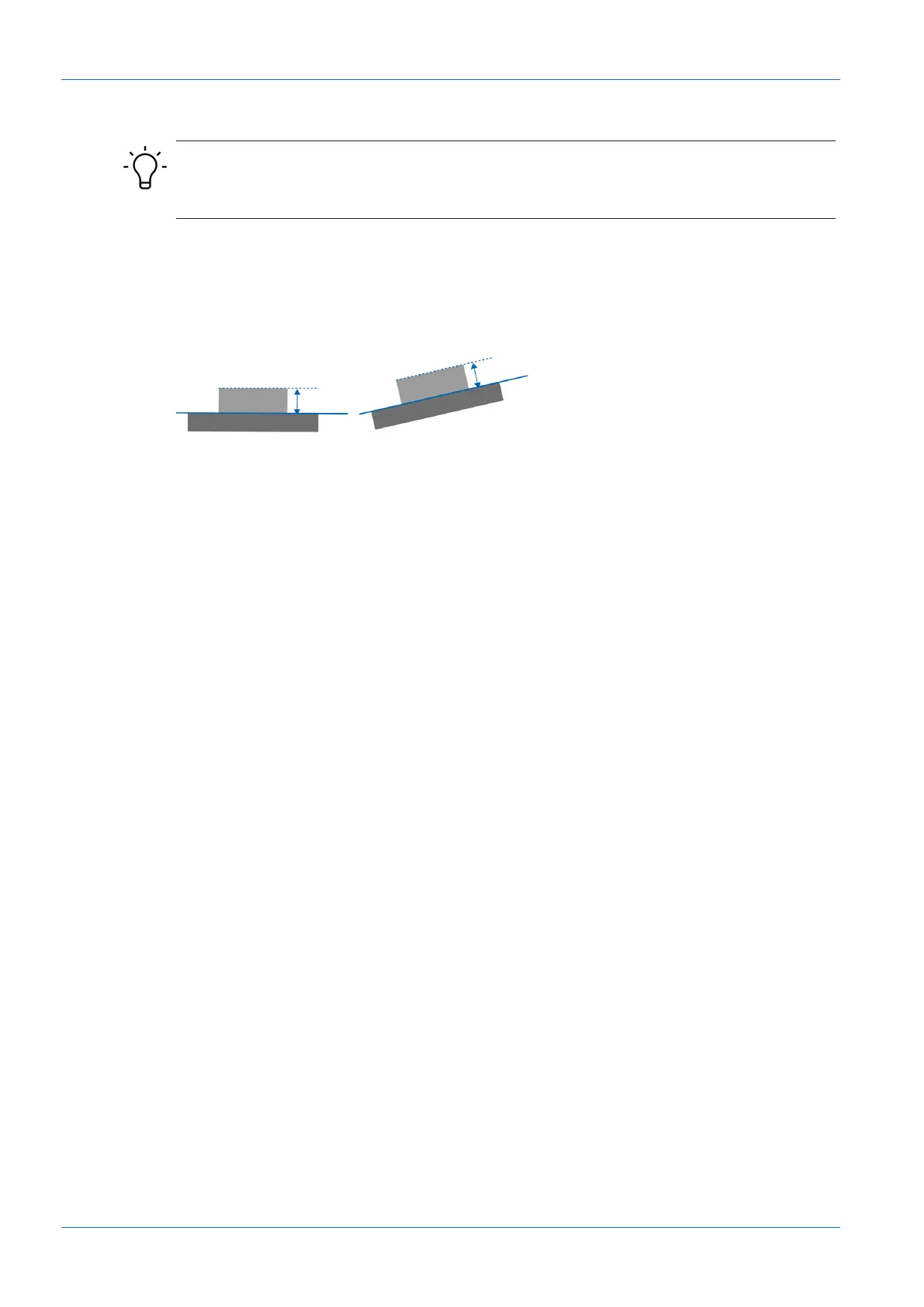
With background tracking, you perform a measurement relative to a defined background line.
This compensates for fluctuations of the background angle or background height.
You can select a line defined previously in a line / angle measuring tool as the background
source. If the position of the background line changes, the position of the ROI is tracked dynam-
ically.
Ill.26: Background tracking
To set background tracking, proceed as follows:
Instruction:
a) Select mode Parametrization | Measurement Tools Parametrization in the menu.
b) Create a line / angle measuring tool and select the range that best resembles the back-
ground. If necessary, regions can be excluded by using the blind range function.
c) Create a measuring tool for which you wish to track the background.
d) In the Measurement Tools window, go to the desired measurement tool and select Couple
Background to.
e) Open the Select Tracking Source drop-down list and select the desired coupling source
(as defined in step b).



 To Next Page