Baumer Web interface operation | 9
V2 | OX100 Operating Manual 63
9.6 Mode Device Configuration
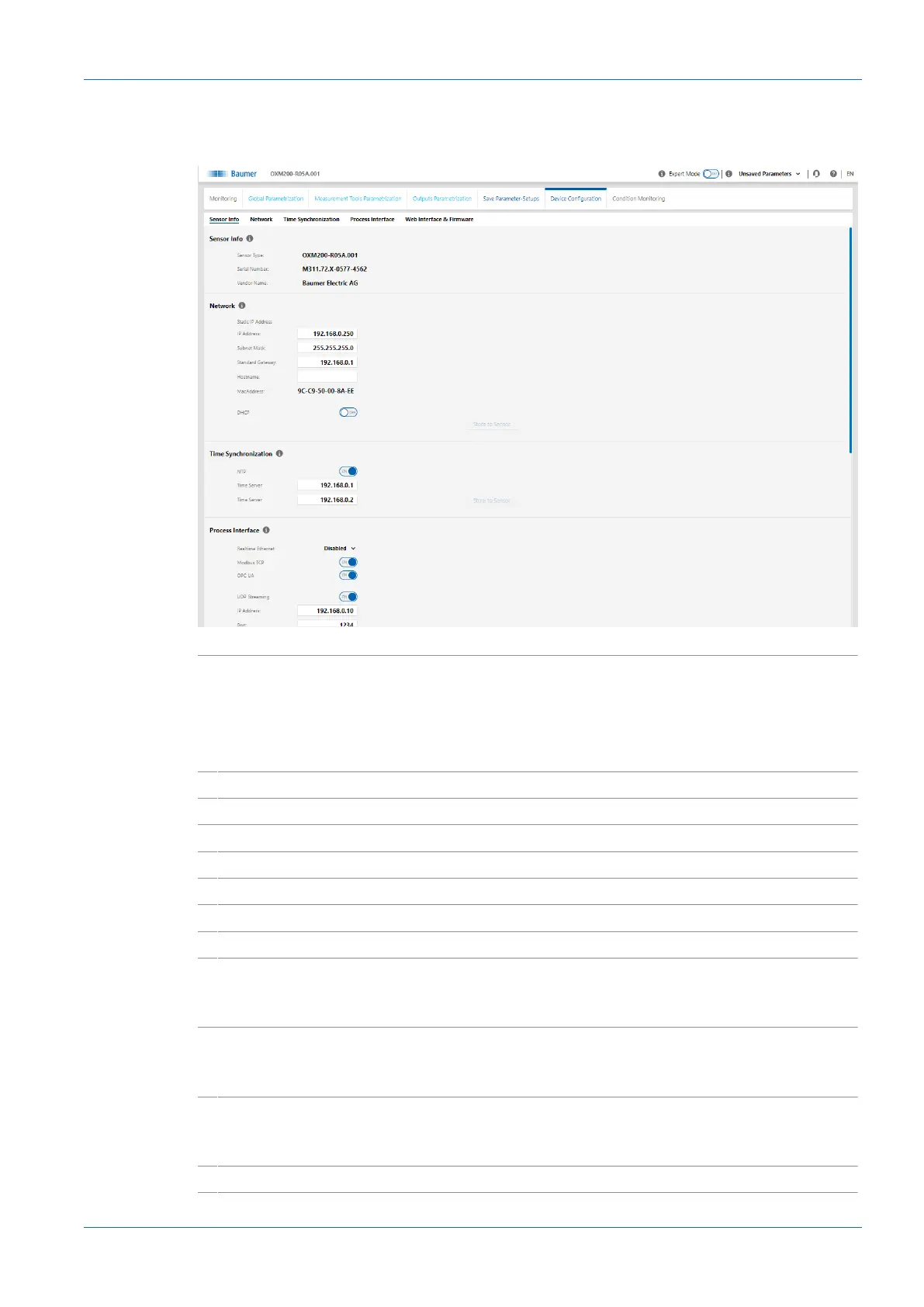
In Device Configuration mode, you can carry out device-specific settings.
Ill.34: Web interface – Device Configuration mode
Sensor Info
n
Display of the sensor characteristics.
Please pass on this information should you require customer
service.
n
The MAC address and production date are found on the name
plate of the sensor (silver label on the sensor).
− Sensor Type
n
Display of the sensor type.
− Serial Number
n
Display of the serial number of the sensor.
Network
n
Selection between static and dynamic address configuration.
− Static IP Address
n
The sensor uses a fixed IP address.
− IP Address
n
Input IP Address.
− Subnet Mask
n
Input Subnet Mask.
− Standard Gateway
n
Input Standard Gateway.
− DHCP
n
Activate/ deactivate DHCP.
DHCP will activate automated address allocation according to
AutoIP.
Time Synchronization
n
The time stamps of the measured values are set according to
the synchronisation. UTC is the time basis.
Note: The daylight savings time function is not supported!
− NTP
n
Activation/deactivation of the NTP synchronisation:
When NTP is activated, the sensor synchronises its internal
clock with a defined time server of the network.
− Time Server
n
Input Time Server of the network.



 To Next Page