9 | Web interface operation Baumer
48 Operating Manual OX100 | V2
9.2.8 Mounting Assistant
INFO
Baumer recommends mounting the sensor at a right angle towards the reference surface of the
object to be measured. The Mounting Assistant function of the web interface will support you
in doing so. If 90° mounting is not possible, the Flex Mount function will compensate mounting
angles up to ±30°.
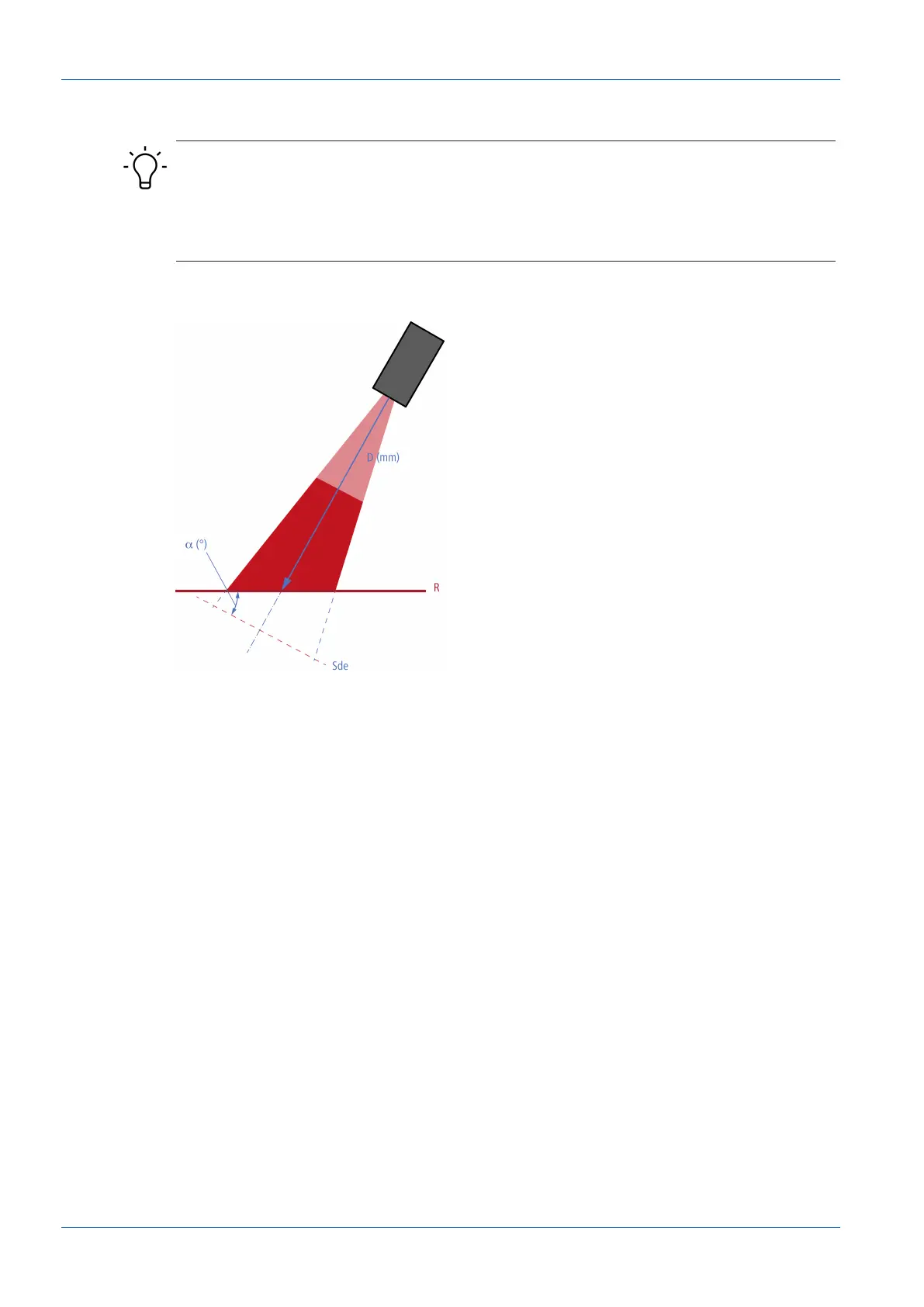
The Mounting Assistant function provides you with the tilt angle and the distance to the refer-
ence surface R detected in the field of view (see the following figure).
Ill.19: Inclination angle and distance to the reference surface
To position the sensor, proceed as follows:
Instruction:
a) Select mode Parametrization | Global Parametrization in the menu.
b) In the Global Parameters window, proceed to Field of View | Mounting Assistant.
c) Position the sensor.



 To Next Page