9 | Web interface operation Baumer
54 Operating Manual OX100 | V2
9.3 Mode Measurement Tools Parametrization
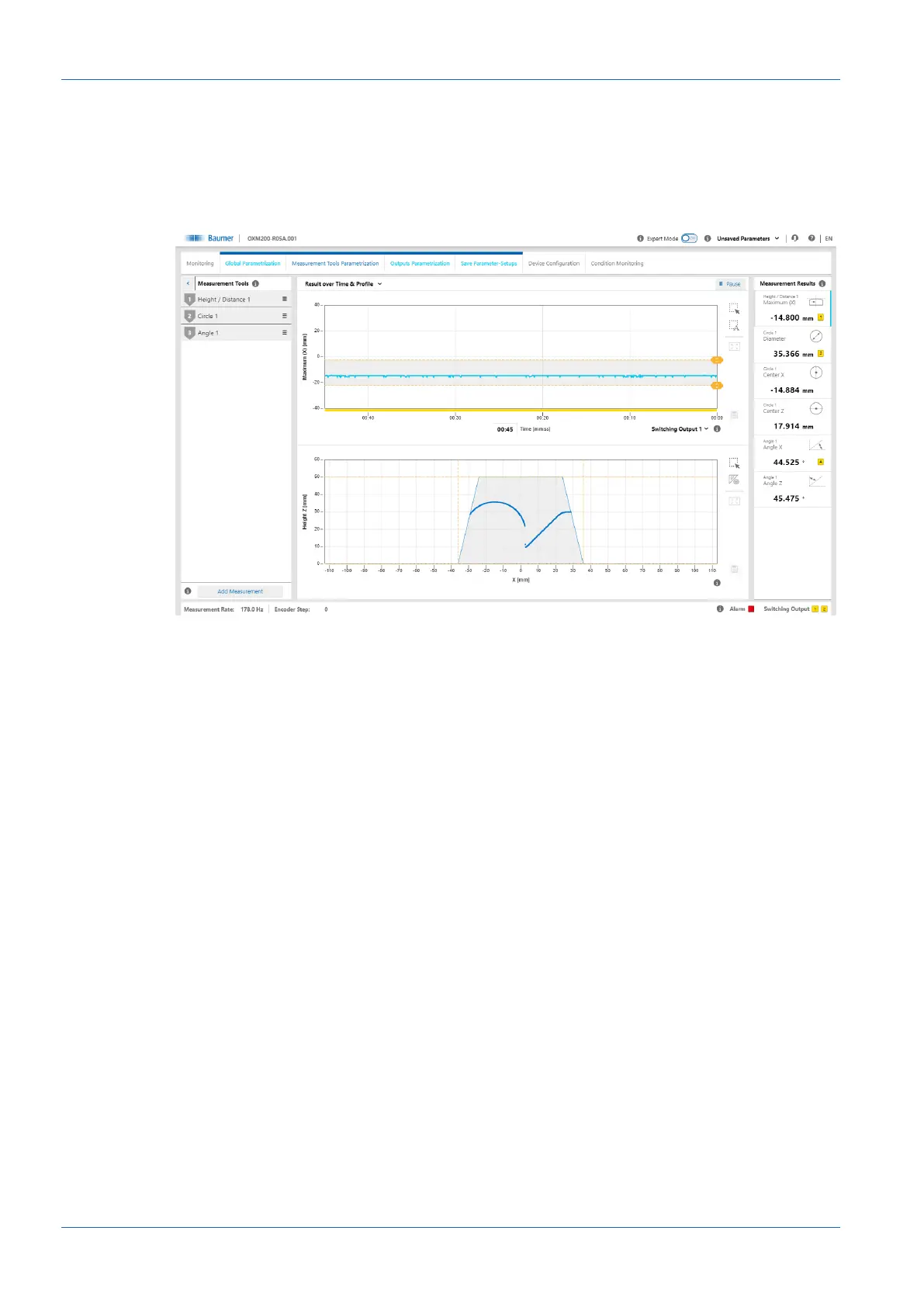
In Measurement Tools Parametrization mode you can allocate measurement tools to the sen-
sor and set the properties of the individual measurement tools. A measurement tool is a function
that is predefined in the sensor and which can be used to generate measured values such as
height, width or angle, based on the profile data.
Ill.24: Web interface – Measurement Tools Parametrization mode
The order of the measurement tools in the Measurement Tools window corresponds to the or-
der of the selected measured value in the measured value array. Click the 3 dashes of the re-
spective measurement tool to change its position or name or to delete the measurement tool.
The measuring tool order in the web interface defines the order of the measured values in the
protocol.
Measurement tool vs. auxiliary tool
Measurement tools use the profile as input. Auxiliary tools use the output of a measurement tool
as input. For an auxiliary tool, the input must be defined before a measured value can be dis-
played. If the input has not been defined or if a measured value at the input is invalid, NaN (Not
a Number) is output. Due to the fact that the measuring tools and the auxiliary tools can also
display negative numbers, a number is not possible as error code.
ROI (Region of Interest)
ROI (Region of Interest) is the region where the profile points are included in the evaluation
(shown in green on the web interface). You can freely select the ROI (on the web interface with
the help of the sliders or the input fields).
Blind region
Blind regions (shown in grey on the web interface) are the regions outside the ROI. Profile
points and measured values inside the blind region are ignored in the evaluation. You can freely
select the blind regions (on the web interface with the help of the sliders or the input fields).



 To Next Page