Chapter 3 Parameters
Mini-Switch LB 471
Compensating the empty count rate for gas pressure:
1
Determine empty count rate in code 30.
2
Enter measuring path in code 33.
3
Enter gas density (kg/m³) under operating conditions in code
34.
4
Start calibration with code 36.
A compensated empty count rate has been calculated in
code 20.
Any calculation of count rates is always flawed, but in most cases
it is sufficient for calibration of the limit value switch.
We recommend reading in the count rates new under operating
conditions, if this is possible at a later time.
Bulk density (in kg/m³)
Enter bulk density for automatic calculation of the full count
rate. (Only in the professional mode)
If calibration at full container is not
possible, you can here enter the
density of the product being meas-
ured in order to calculate the full
count rate automatically.
If you enter "0" the function is disa-
bled.
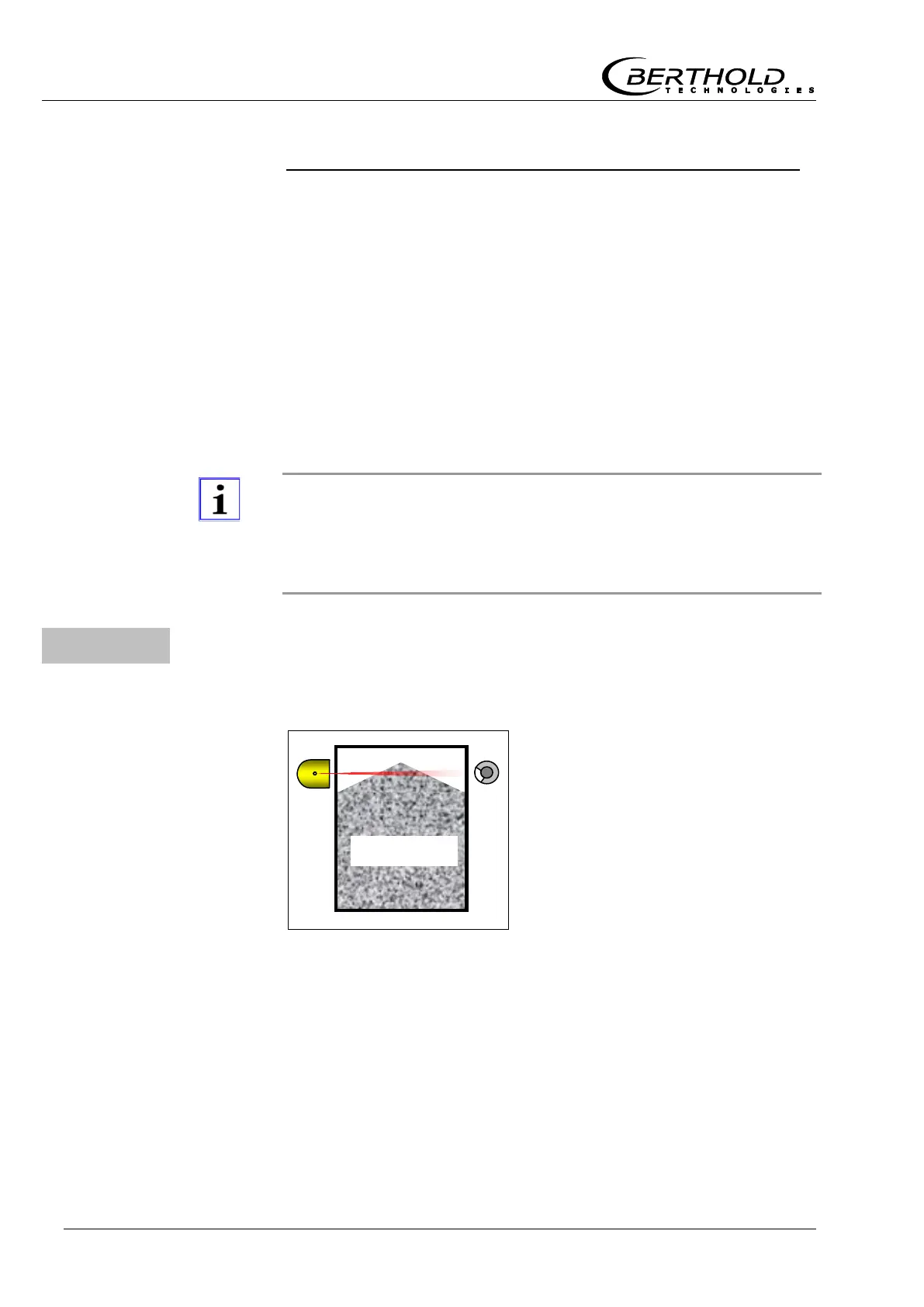
Figure 5:
Container with
bulk good



 To Next Page