Chapter 3 Parameters
Mini-Switch LB 471
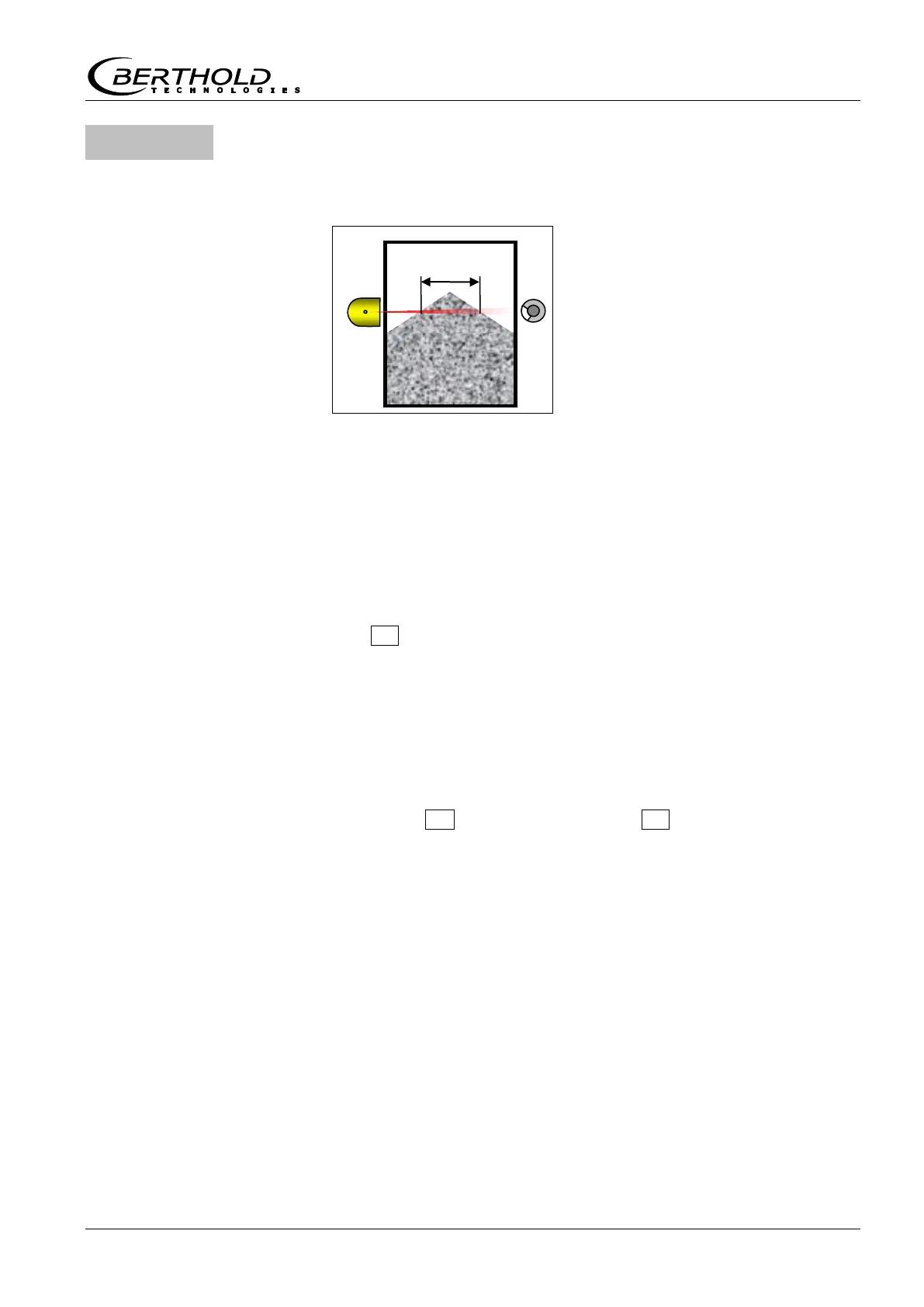
Bulk cone diameter (mm)
Enter diameter of the bulk cone where switching is to be
performed.
You have to enter the bulk cone di-
ameter "d" in mm if measurements
on bulk goods should trigger an
alarm at a certain bulk cone diame-
ter.
Then the limit value indicates an
alarm as soon as the bulk cone has
reached the specified diameter "d".
Provided the value in code 38 >0, the switch point in code 17/18 is
then calculated based on the bulk density of code 35, the nuclide
defined in code 5 and the bulk cone diameter of code 38.
If a gas density has been entered in code 35, this will also be tak-
en into account in calculating the switch point.
For the entries to take effect, you have to calibrate with code 36.
If the isotope is changed later, the switch point will be adjusted
automatically, and you do not have to enable code 36.
With 0 you can turn this function off.
Half-value layers
Enter product absorption at full container
Using the number of half-value layers (HVL) the full count rate can
automatically be calculated based on the empty count rate.
For code 39 to be effective in the professional mode, code 31 has
to be set to -1 and code 33 and 35 to 0.
The number of HVL’s is dependent on the measuring path through
the product being measured and the bulk density (with liquids:
density) of the product. In most cases, the standard value 2 HVL is
adequate for calculating the full count rate automatically.
The HVL can be determined as follows:
HVL = rho * d / k
rho: density of product being measured (g/cm³)
d: measuring path = internal container diameter (mm)
k Co-60: 157
k Cs-137: 110



 To Next Page