Chapter 3 Parameters
Mini-Switch LB 471
Detector plateau measurement
Plateau measurement for detector function
(Only in the professional mode and only for NaI detector
and Super-Sens)
Start plateau measurement:
1
Push Enter to enable this function.
2
Push Cal. to start the plateau measurement.
The plateau measurement has been started. It may take
some minutes until the end of the plateau measurement
is reached.
First, the HV is set.
This may take several seconds.
The plateau measurement is carried out in
50V steps.
The count rate is averaged at each HV for 60
seconds each (can be set in code 37).
The HV starts at 500V and ends at the HV
set in code 67.
You have to push the Clear button twice to
abort a running plateau measurement.
After the plateau measurement is finished,
you can query the values by pushing the
buttons / .
The values remain stored until the next plat-
eau measurement is performed.
See also the section „Checking the Crystal-
Multiplier Combination“ in the hardware manual.
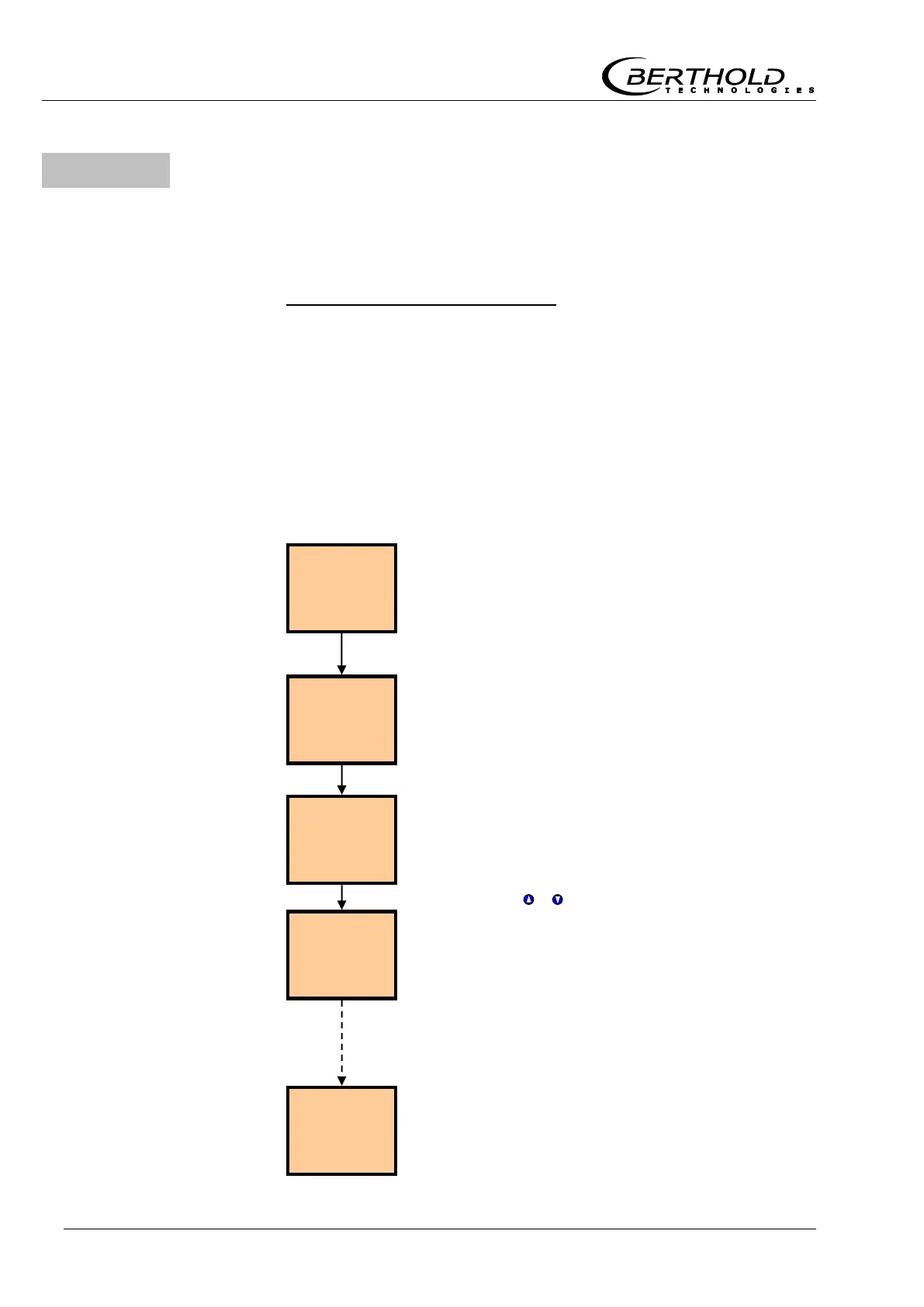
Operating sequence of
a plateau measurement



 To Next Page