Chapter 3 Parameters
Mini-Switch LB 471
Test keyboard
Test keyboard
(Only in the professional mode)
Push the Enter button to enable keyboard test.
If you push a button now, its function is shown on the display.
Push the Clear button for at least 2s to exit the test.
Status Digital In
Test digital inputs
(Only in the professional mode)
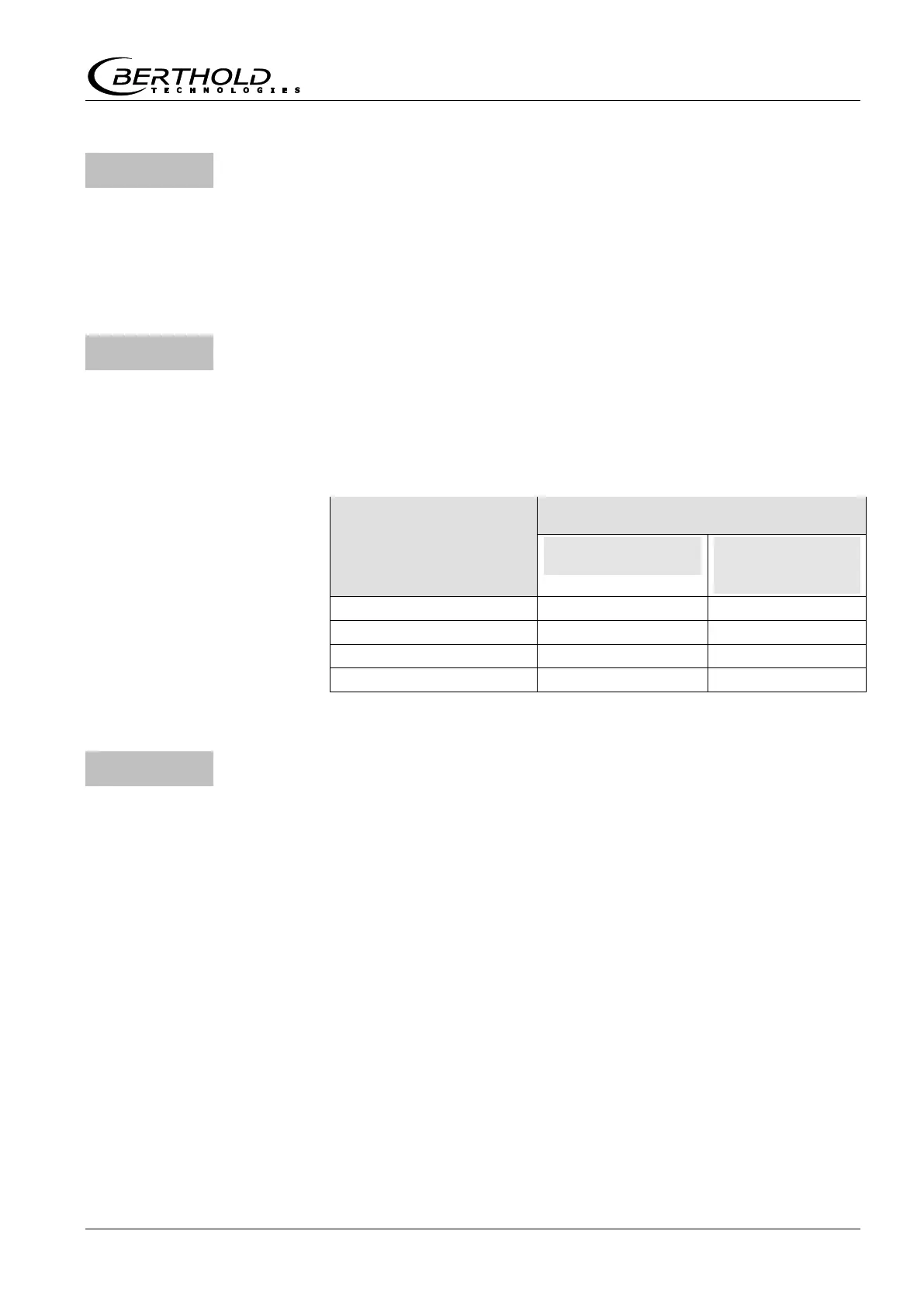
The digit to the left of the decimal period stands for digital input
no. 2 and the digit to the right of the decimal period stands for
digital input no. 3.
Presentation of value
on the display
Digital input short-circuited?
Input 3
Empty
calibration
Push the Clear button to exit the test
HV-Max for plateau measurement
Define maximum high voltage for plateau measurement
(Only in the professional mode)
At this HV, the last measured value will be recorded in the course
of a plateau measurement. This rules out that the HV at the multi-
plier becomes too high and has a detrimental effect. The factory
setting is 1000V and this setting is adequate in most cases.



 To Next Page