20
CC TO CV:
Enable/disable the protection of the change
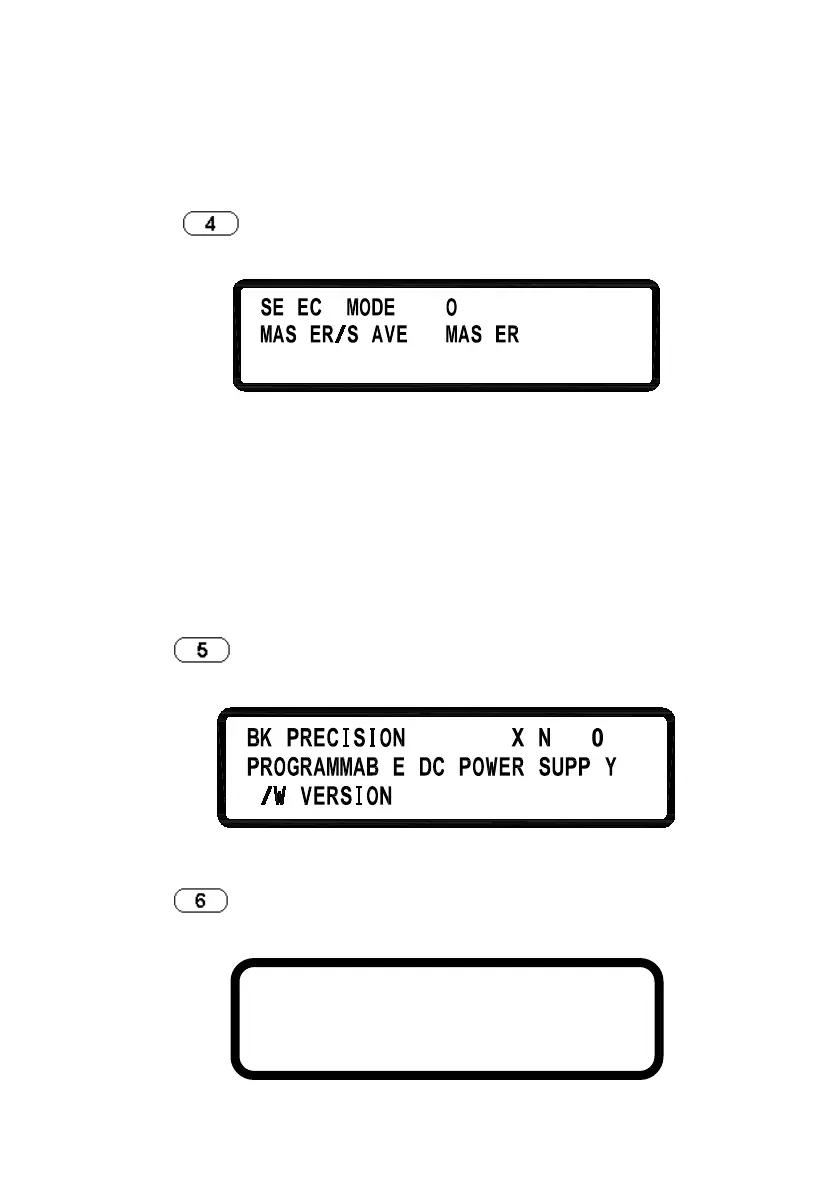
4. SERIES/PARALLEL SETTING
Press
in the second screen of Menu Setting to enter
SERIES/PARALLEL menu.
SELECT MODE: Choose
series or parallel operation
mode.
MASTER/SLAVE:
Refer to “Series/Parallel Setting”
section
for the detailed setting
procedure of MASTER/SLAVE mode.
5. INFORMATION
Press
in the second screen of “Menu Setting” to enter
INFORMATION screen.
6. SPECIAL TEST FUNCTION
Press
in the second screen of “Menu Setting” to enter SPECIAL
TEST FUNCTION menu.
1. CURRENT COUNTER TEST
2. PROGRAM MODE
3. MEASURE AVERAGE












 To Next Page