21
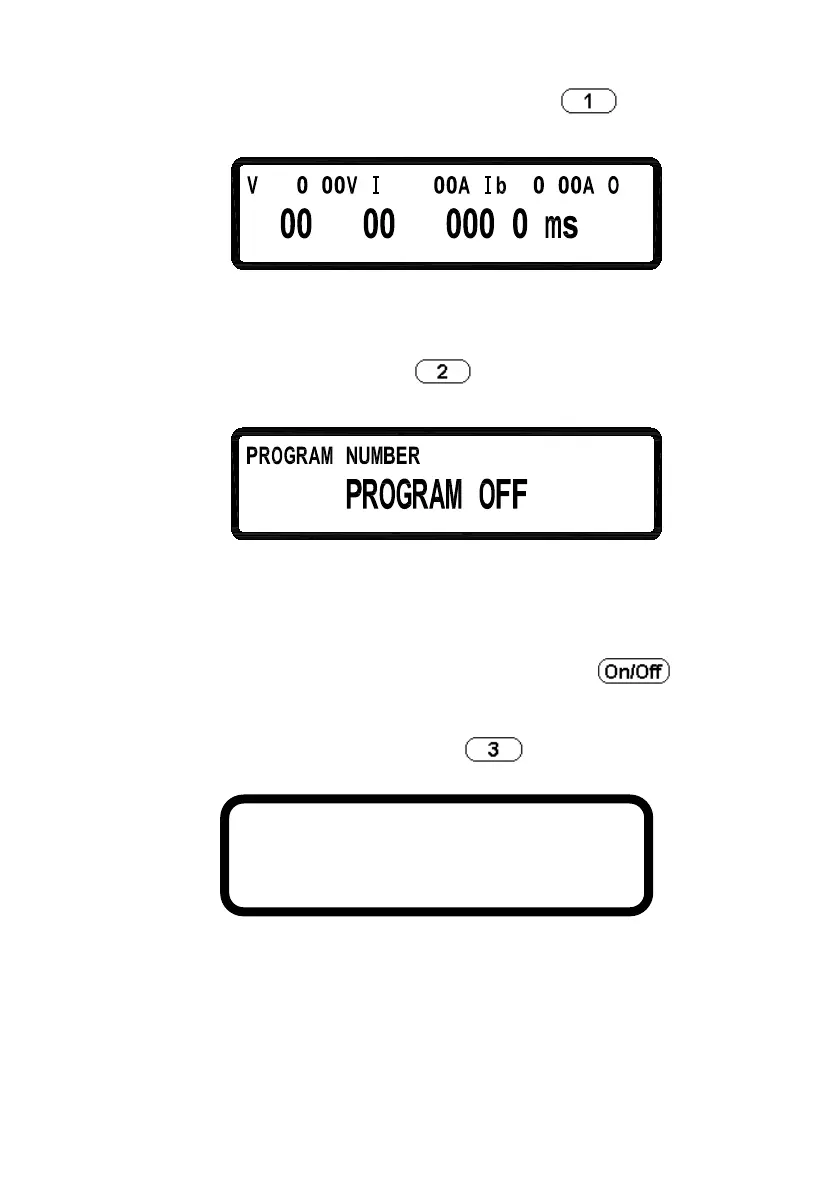
6.1 CURRENT COUNTER TEST: Press to enter the
CURRENT COUNTER TEST screen.
Refer to “Current Counting” section for the detailed setting procedure.
6.2 PROGRAM MODE: Press
to enter the PROGRAM MODE
menu.
1=
Before running the program, user needs to input the programmed
values through the USB or GPIB interface into the power supplies.
Users may save up to 10 programs (program number 1 through 10)
inside the memory and recall them in this Program Mode screen by
selecting the program number and then pressing
to execute
the program.
6.3 MEASURE AVERAGE: Press
to enter the MEASURE
AVERAGE page.
AVERAGE TIME:
Set the average measure time.
7. TIMER CONTROL
AVERAGE TIME = 2












 To Next Page