22
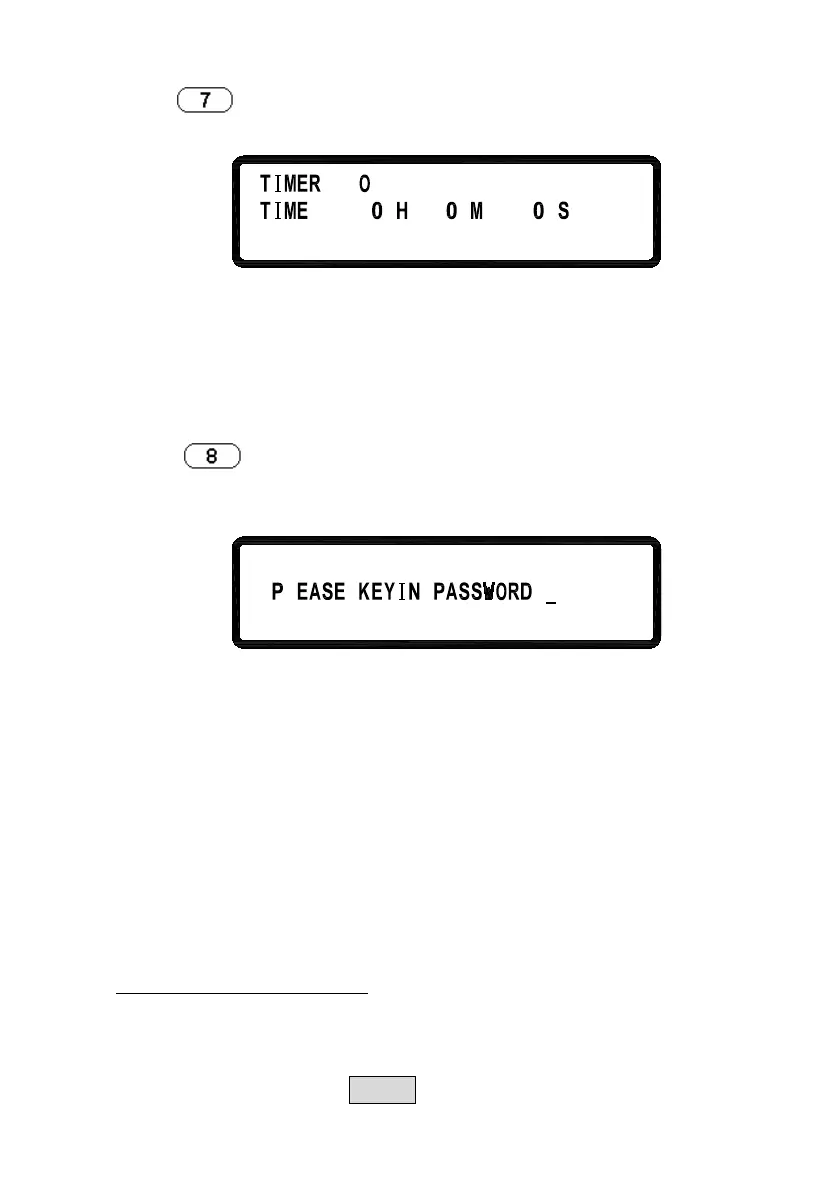
Press
in the third page of Menu Setting to enter TIMER
CONTROL screen.
=
=
FF
r
ni ec
TIMER:
Turn on/off TIMER function.
TIME:
Set up OUTPUT ON time (Max:999Hr 59Min
59Sec)
8. CALIBRATION
Press
in the third page of “Menu Setting” to enter
CALIBRATION menu. Users must enter the password to access
calibration mode.
:
L
8.1 Equipment Requirements
1. 5 ½ Digital Volt meter.
2. Shunt for current calibration (100 A/ 10 mΩ)
8
.2 Calibration Procedure
A. Connect power supply output terminal to DVM (as shown in
Figure 1 below). Turn on the supply. Once the unit enters the
main page, press MENU and select “8. Calibration” and key in
VOLTAGE CALIBRATION












 To Next Page