Chapter 5 General Operation
This section provides an overview of the Wraptor operation process.
5.1 Creating, printing and wrapping labels
The Wraptor works in conjunction with your computer and software applications included with the unit.
The process flow is as follows:
On your computer:
1. Design labels on your computer using Brady’s LabelMark software.
2. Print your completed labels to the Wraptor printer with the Print command.
On the Wraptor printer:
1. Open the print file you want to work with on the Wraptor Control Panel’s File tab.
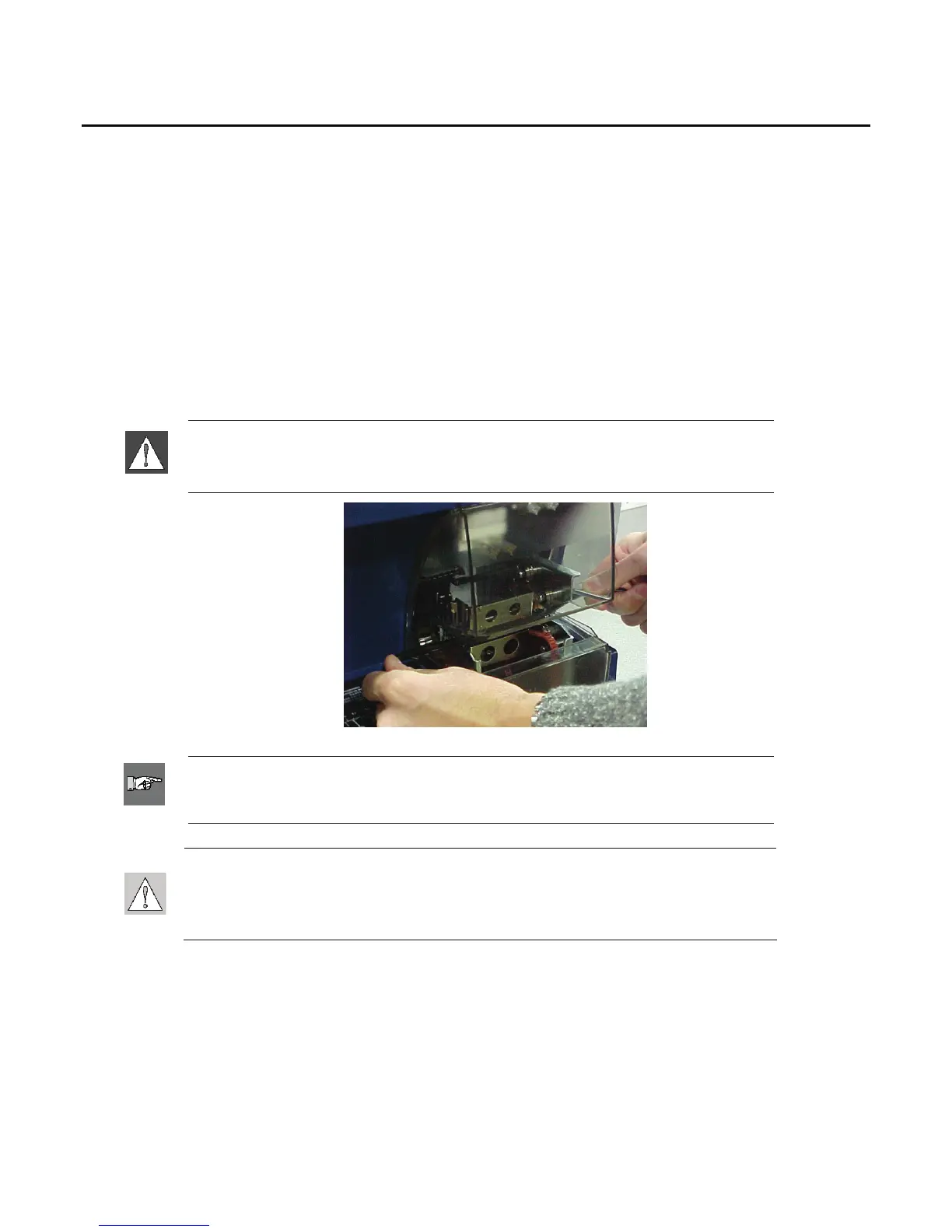
2. Physically insert a cable/wire into the Wraptor jaws to print/wrap or wrap a label.
WARNING: The wrapper mechanism contains
HAZARDOUS MOVING PARTS
KEEP FINGERS AND OTHER BODY PARTS AWAY
NOTE: Be sure to hold the wire straight and tight during the wrapping process.
CAUTION: The maximum wire diameter that can be used in Wraptor
TM
,
INCLUDING the wire's outer jacket, is 0.600". Exceeding this diameter will jam
and potentially damage the machine. If a wire diameter less than 0.060" (including
wire jacket) is used, the label will not wrap successfully.
30 Wraptor™ User’s Guide



 To Next Page