5.3.5 Config Tab Commands
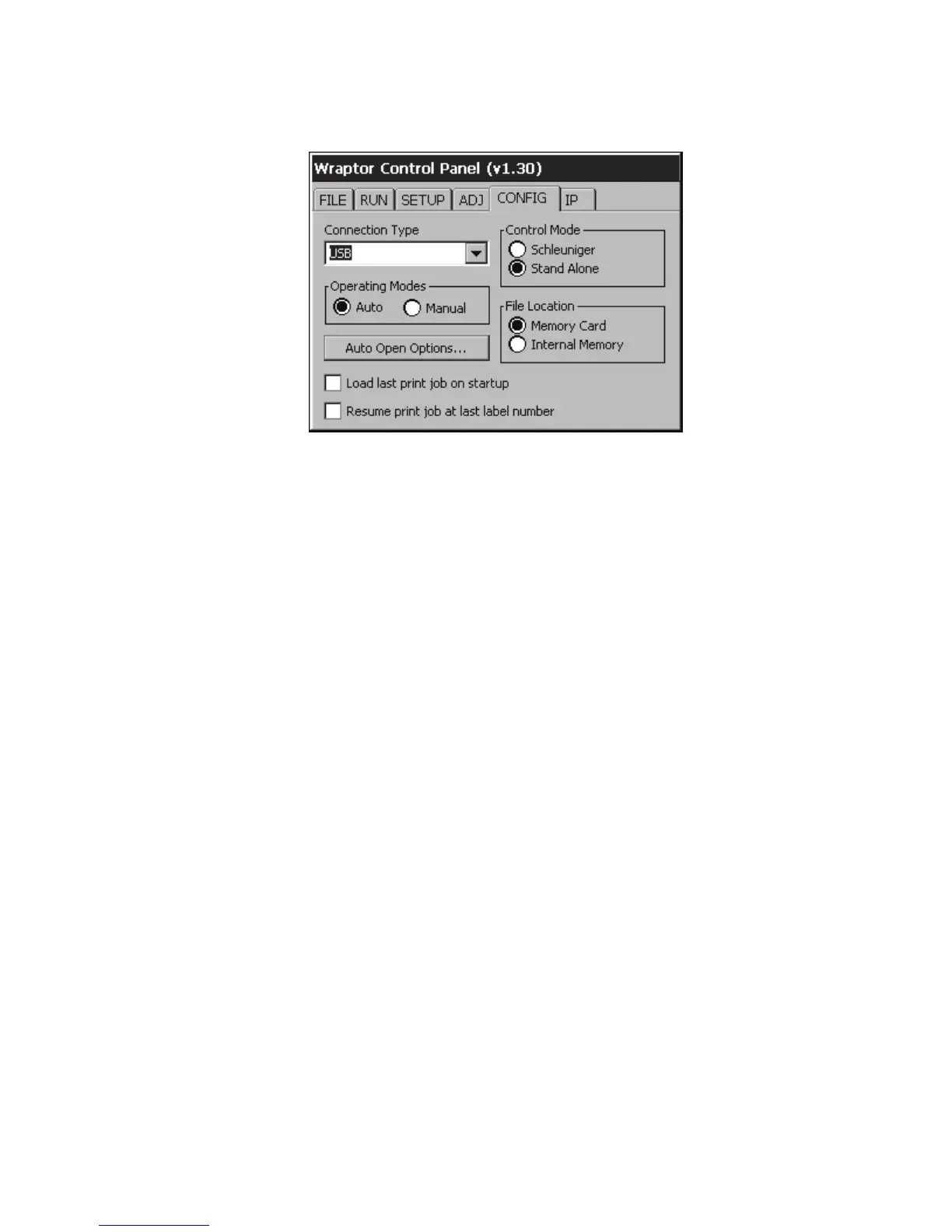
The Config tab menu (Figure 21) allows you to set the Wraptor printer configuration. For example, the
connection type, operating mode and file location. Descriptions of the options follow:
Figure 21. Config Tab Menu
Connection Type
You can connect your computer (running Brady’s LabelMark software and the Wraptor printer driver) to
the Wraptor unit in one of three ways: Serial cable, USB cable or Ethernet (TCPIP) connection. The
Connection Type determines the way the computer transfers files to the Wraptor printer.
You can also run the Wraptor in stand-alone mode by setting the Connection Type to None. In stand-alone
mode, you must use a CompactFlash Memory Card to transfer print files from the computer to the Wraptor.
Operating Modes
Two operating modes are available: Auto and Manual. In Auto mode, the printer automatically advances to
the next label after a print/wrap cycle. In Manual mode, you must advance the printer to the next label using
the Run tab’s arrow keys.
Auto Open Options
Auto Open provides options for setting up your print job configuration, including addition of multiple jobs
to the print queue, deletion upon closing a file, and closing of print jobs upon printing completion.
42 Wraptor™ User’s Guide



 To Next Page