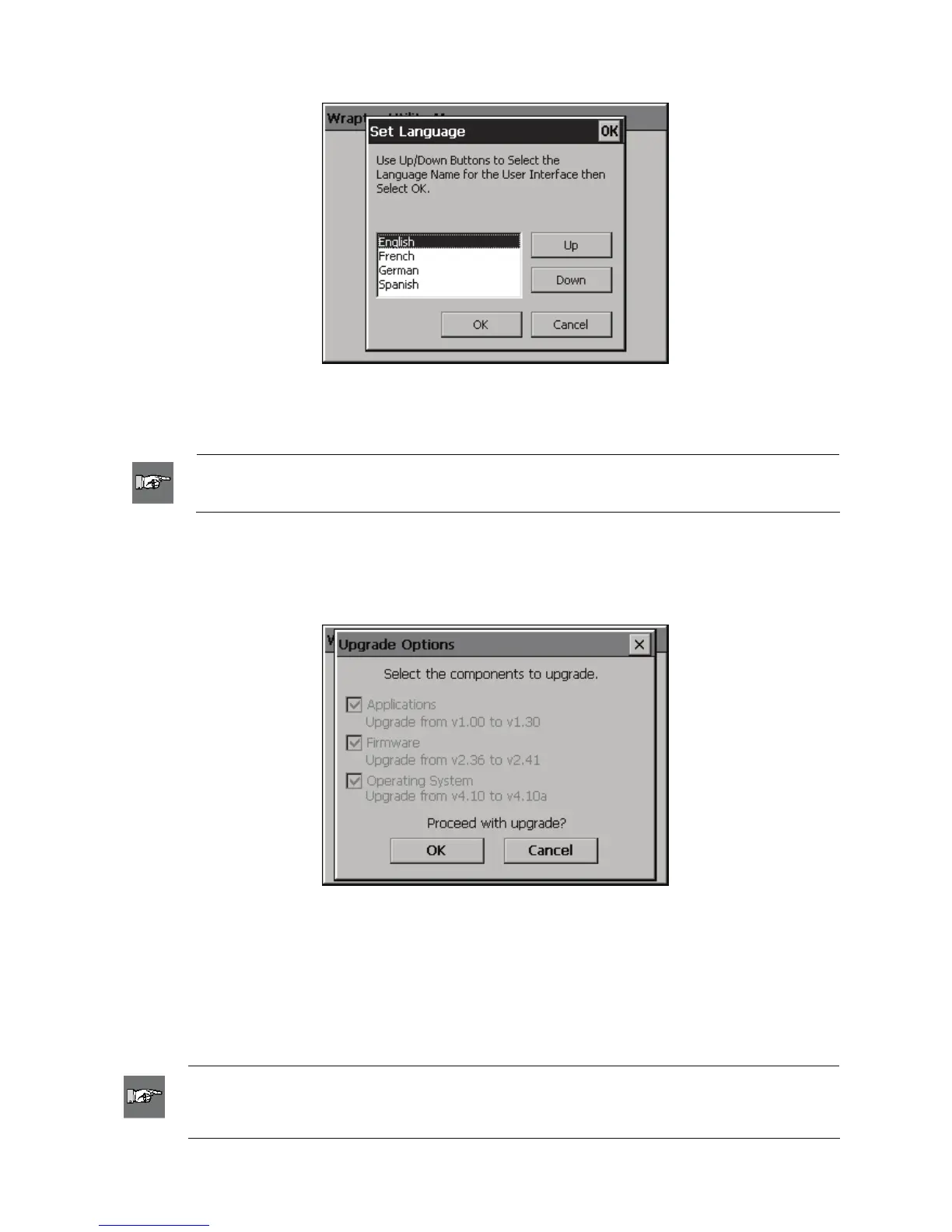
5.4.3 Set Language Command
Figure 31. Set Language Utility
The Set Language command changes the language for the printer. Press Up or Down to select the desired
language and press OK.
NOTE: If you select a different language, you must restart the printer so the Utility Menu
can reload with the new language.
5.4.4 Upgrade System Command
The Upgrade System command allows you to install upgraded Wraptor system software from the
CompactFlash Memory Card. You must first transfer the updated Wraptor software to the CompactFlash
Memory Card (see
Upgrade Printer Files on page 56).
Figure 32. Upgrade Options
Upgrade Options allows you to select which components you wish to upgrade. Older components must be
upgraded.
5.5 Power Off
Before turning the Wraptor printer’s power off, return to the Utility Menu by pressing the Exit button on the
File tab menu. Press the Run button to return to the Wraptor Control Panel.
NOTE: Returning to the Utility Menu before powering down saves the cycle count to
permanent memory. The Wraptor saves cycle count data to permanent memory every 100
cycles or whenever the Wraptor Utility Menu is displayed.
50 Wraptor™ User’s Guide



 To Next Page