Chapter 6 The File Management Utility
This section provides instructions on using the File Management Utility (FMU). The FMU is an application
included with the Wraptor that allows you to transfer label files between your computer, the Wraptor and
the Wraptor’s CompactFlash Memory Card.
6.1 Launching the File Management Utility
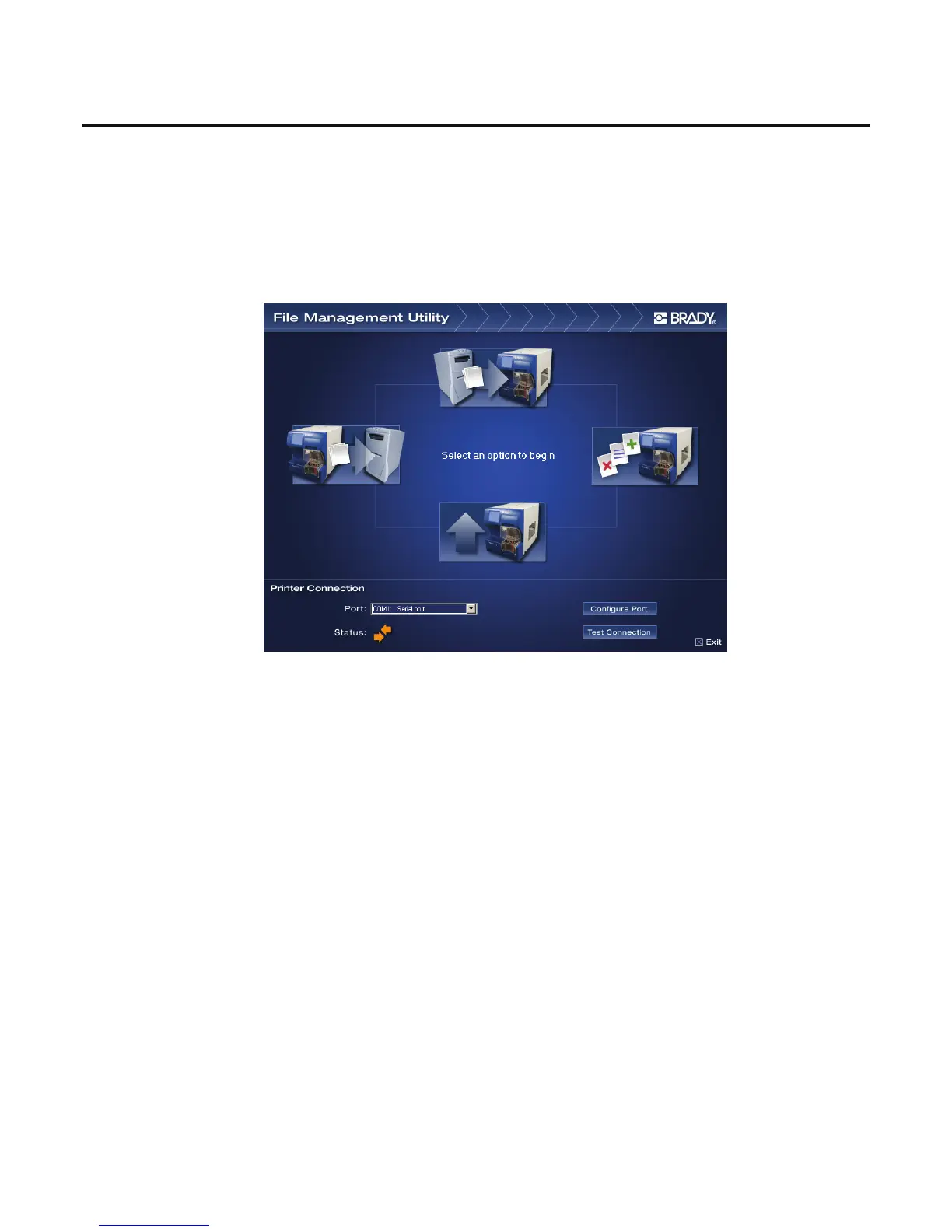
Click the File Management Utility icon on your desktop to launch the application. The File Management
Utility main menu appears:
Figure 33. File Management Utility Main Menu
6.2 Establishing Communication
To establish communication between your computer and the Wraptor:
Use the Port: list box to select the appropriate port.
Click on Test Connection.
The Status field shows the communication status between the computer and printer
Wraptor™ User’s Guide 51



 To Next Page