NOTE: Remote control uses the serial port to communicate with the Wraptor. Therefore, the
Connection Type cannot be Serial when remote control is in use.
NOTE: In-line operation of Wraptor by way of the Schleuniger Control Mode is only
available from Schleuniger. Contact Schleuniger for more details at www.schleuniger.com.
File Location
Wraptor supports two file locations: Memory Card and Internal Memory.
♦ If you select Memory Card, the File tab menu displays print file names in the “Spool” subdirectory on
the CompactFlash Memory Card.
♦ If you select Internal Memory, the File tab menu displays print file names in the Wraptor’s internal
memory.
Load Last Print Job On Startup
Checking this will bring up the last print job you worked with before closing the Wraptor, unless you closed
all print job files before shutting down. If all files were closed before shutting down, when you next power
up the Wraptor, no particular file will be open and the default screen will display.
Resume Print Job At Last Label Number
Checking this will open multiple-label files, resuming at the last label number that was displayed before
either closing the file or shutting down Wraptor.
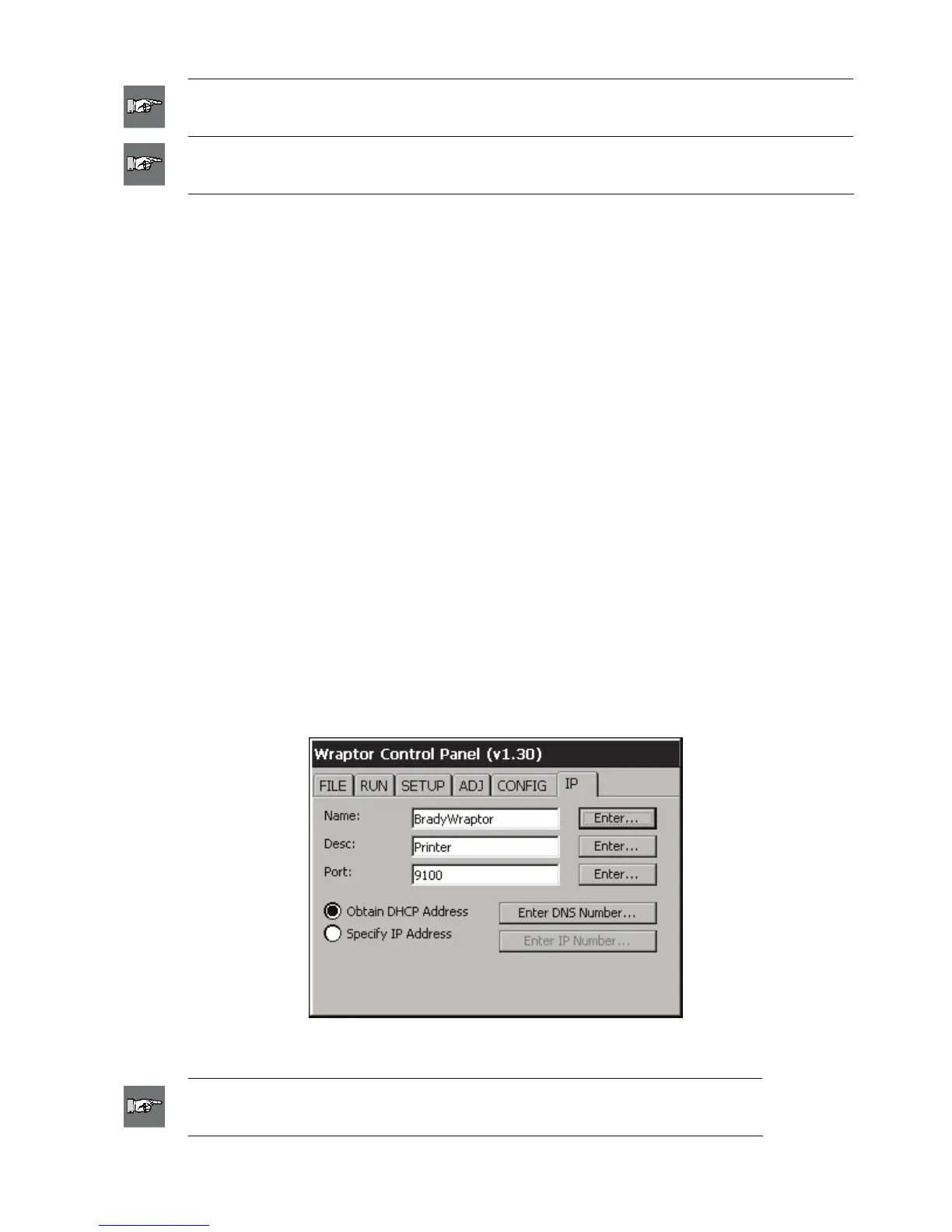
5.3.6 IP Tab Commands
The IP tab menu (Figure 23) is used to set up communications between the computer and Wraptor unit on a
local area network. The settings in this menu are required only for the TCP Connection Type, not for Serial,
USB, or None.
Figure 23. IP Tab Menu
NOTE: Consult your network or site administrator to obtain the IP settings for
DNS, WINS, Gateway, etc.
44 Wraptor™ User’s Guide



 To Next Page