5.4 The Wraptor Utility Menu
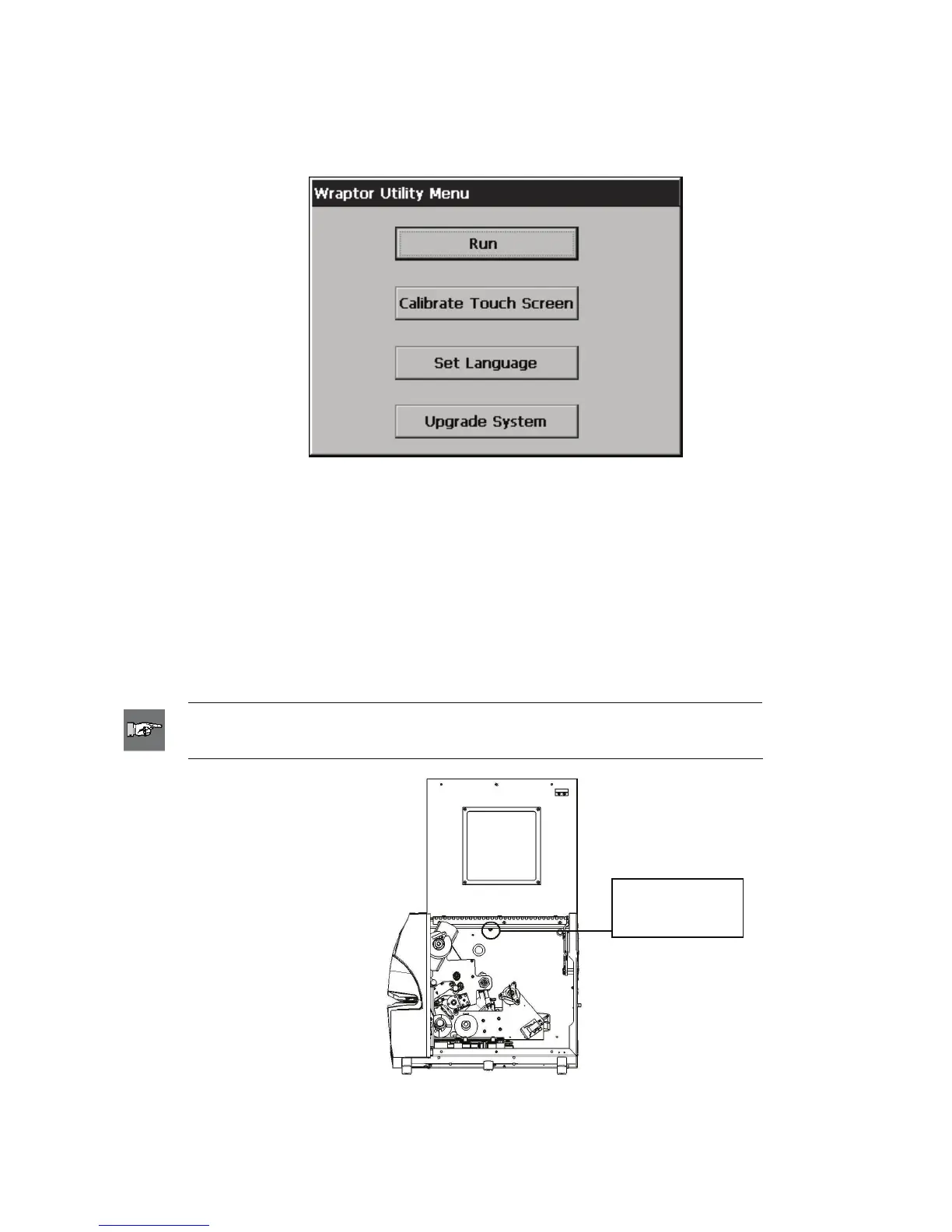
The Wraptor Utility Menu allows you to display the Wraptor Control Panel, calibrate the touch screen,
change the language and upgrade the system.
Figure 29. Wraptor Utility Menu
5.4.1 Run Command
The Run command displays the Wraptor Control Panel.
5.4.2 Calibrate Touch Screen Command
The Calibrate Touch Screen command allows you to recalibrate the touch screen.
The screen displays a series of five crosses. Hold your finger on each crosshair for a second or two and then
release.
NOTE: Adjust the contrast of the LCD screen by turning the contrast
control knob.
Contrast
Control Knob
Figure 30. Contrast Control Knob
Wraptor™ User’s Guide 49



 To Next Page