7.3 Replace Wrapper Foam V-Block
The Wrapper Foam V-Block is a replacement part that you can order. See Accessories on page 72. To
replace the Wrapper Foam V-Block:
1. Press the Load Labels button on the Setup tab menu. This shuttles the printer to the “shuttle-back”
position.
2. Power off and unplug the Wraptor.
WARNING: You must power off and unplug the Wraptor
prior to performing any cleaning or maintenance!
3. Open the front (clear) cover on the Wraptor.
4. Rotate wrapper so that the opening is in the up position.
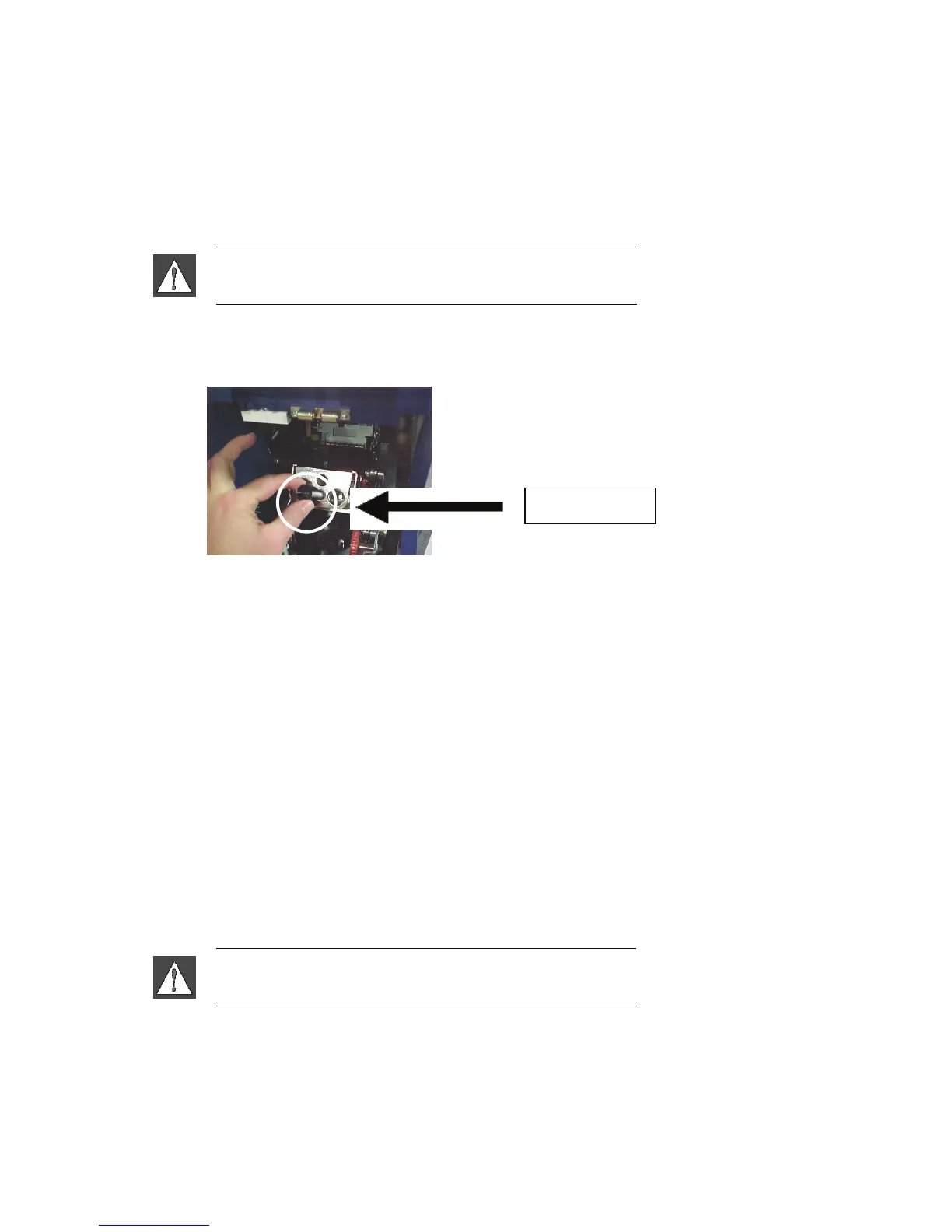
5. Unscrew the retaining post that keeps the wrapper in place.
Retaining Post
6. Reach behind the wrapper and jog the spring–loaded slide until the Wrapper Foam V-Block falls out.
7. Separate the foam V-Block from the stamping.
8. Discard the old foam V-Block, and insert a new V-Block into the stamping.
9. Rotate the wrapper so that the opening is in the down position.
10. Replace the V-block/stamping. Insert so nubs in stamping are positioned through the holes in the frame
of the slider.
11. Rotate the wrapper so that the opening is in the up position.
12. Replace the retaining post.
13. Close the front cover.
7.4 Replace Printhead Assembly
The Printhead assembly is a replacement part that you can order. See Accessories on page 72. To remove the
old printhead assembly:
1. Press the Load Labels button on the Setup tab menu. This shuttles the printer to the “shuttle-back”
position.
2. Power off and unplug the Wraptor.
WARNING: You must power off and unplug the Wraptor
prior to performing any cleaning or maintenance!
3. Open the side door on the Wraptor.
4. Remove label material and ribbon.
66 Wraptor™ User’s Guide



 To Next Page