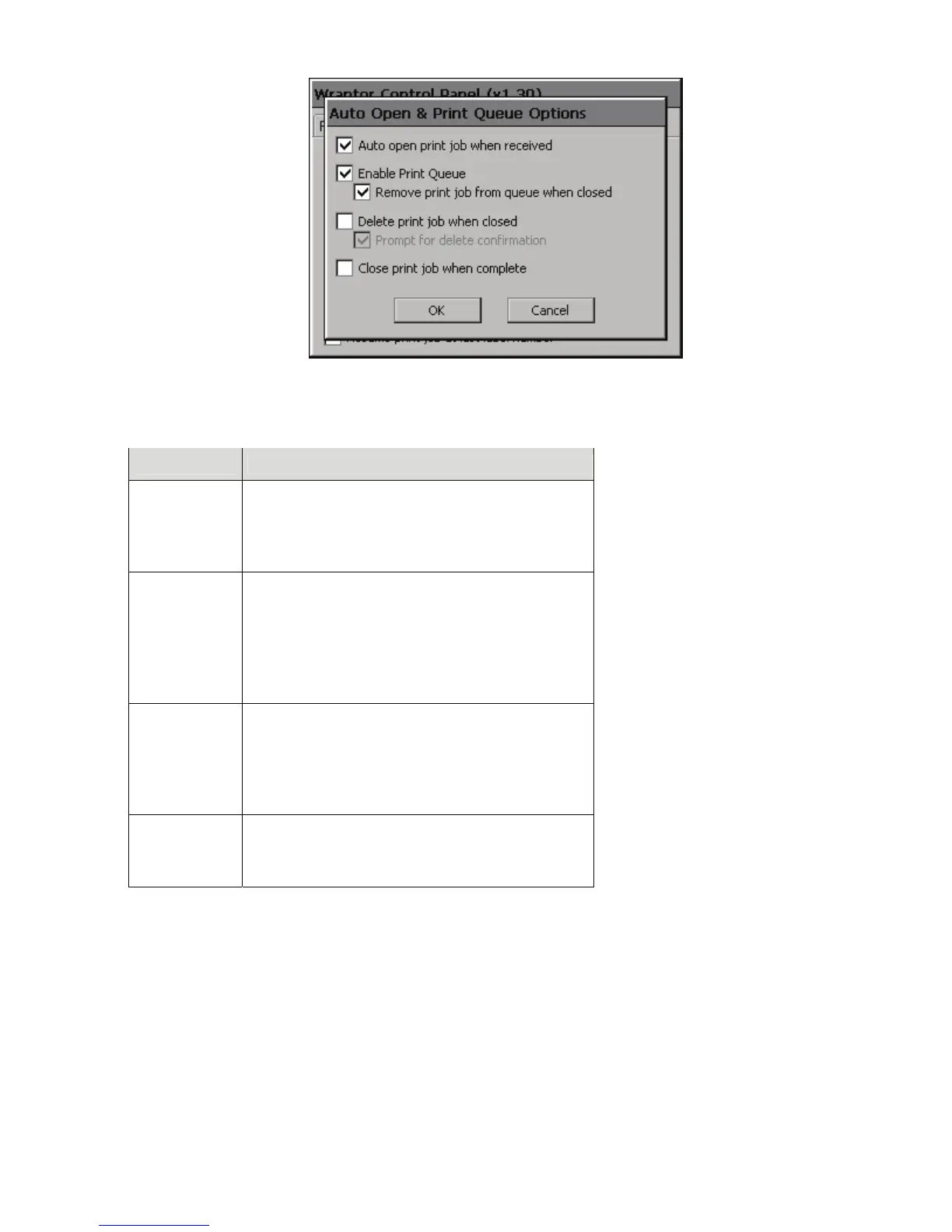
Figure 22. Auto Open & Print Queue Options
The following table describes the Auto Open & Print Queue check box commands:
Check Box Description
Auto open
print job
when
received
Automatically opens the print job when the
Wraptor receives it.
Enable print
queue
Allows the addition of multiple print jobs to the
print queue. Select Remove print job from queue
when closed to remove the current print job from
the queue when it is closed; otherwise, it will be
moved to the end of the queue. NOTE: This will
not delete the print file from the Wraptor.
Delete print
job when
closed
Check this to delete the current print file from the
Wraptor when it is closed. Select Prompt for
delete confirmation if a reminder is desired;
otherwise, the print file will deleted without
prompting.
Close print
job when
complete
Check this to close the print job once the last
label in the file has been printed; otherwise,
printing will continue from the first label.
Control Mode
Wraptor supports two control modes: Stand Alone and Schleuniger
♦ If you select Stand Alone, the Wraptor will cycle by operators pushing wire against the Wraptor’s two
activation switches.
♦ If you select Schleuniger, the Wraptor will ignore the activation switches and cycle only by way of the
Schleuniger cut and strip equipment.
Wraptor™ User’s Guide 43



 To Next Page