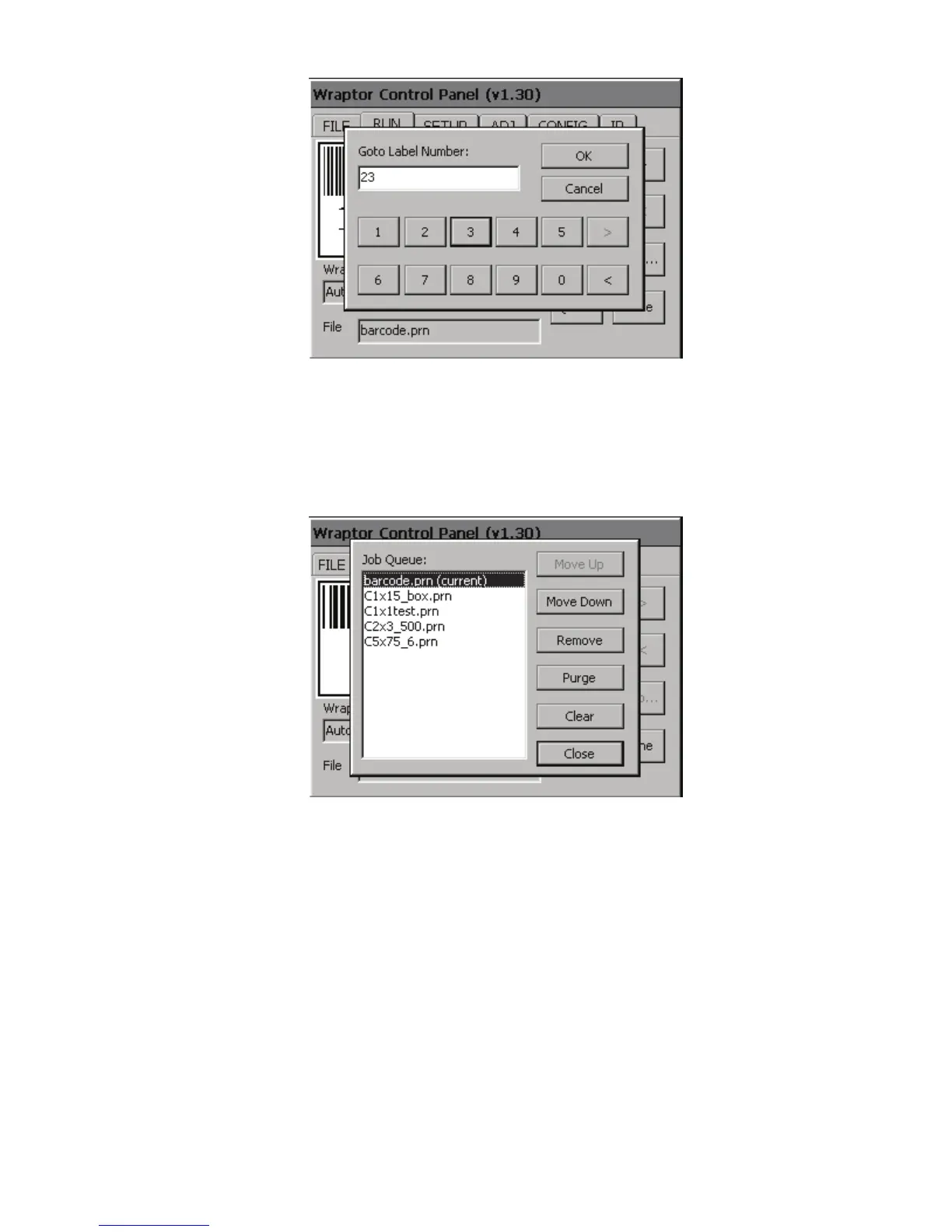
Figure 15. Goto… Dialog
Use the Goto…option to jump to a specific label number within the current label file. Use the touch screen
buttons to select the label number, then press OK to go to the specified label. NOTE: The Goto… option is
only available if there is more than one label in a file.
Figure 16. Job Queue… Dialog
The Job Queue dialog allows manipulation of the files within the job queue, which is a list of Wraptor print
files that will be printed sequentially. See
Auto Open Options on page 42 to configure job queue behavior.
The following table (next page) describes the Job Queue command buttons:
36 Wraptor™ User’s Guide



 To Next Page