S-7300A
3. FUNCTION SETTINGS
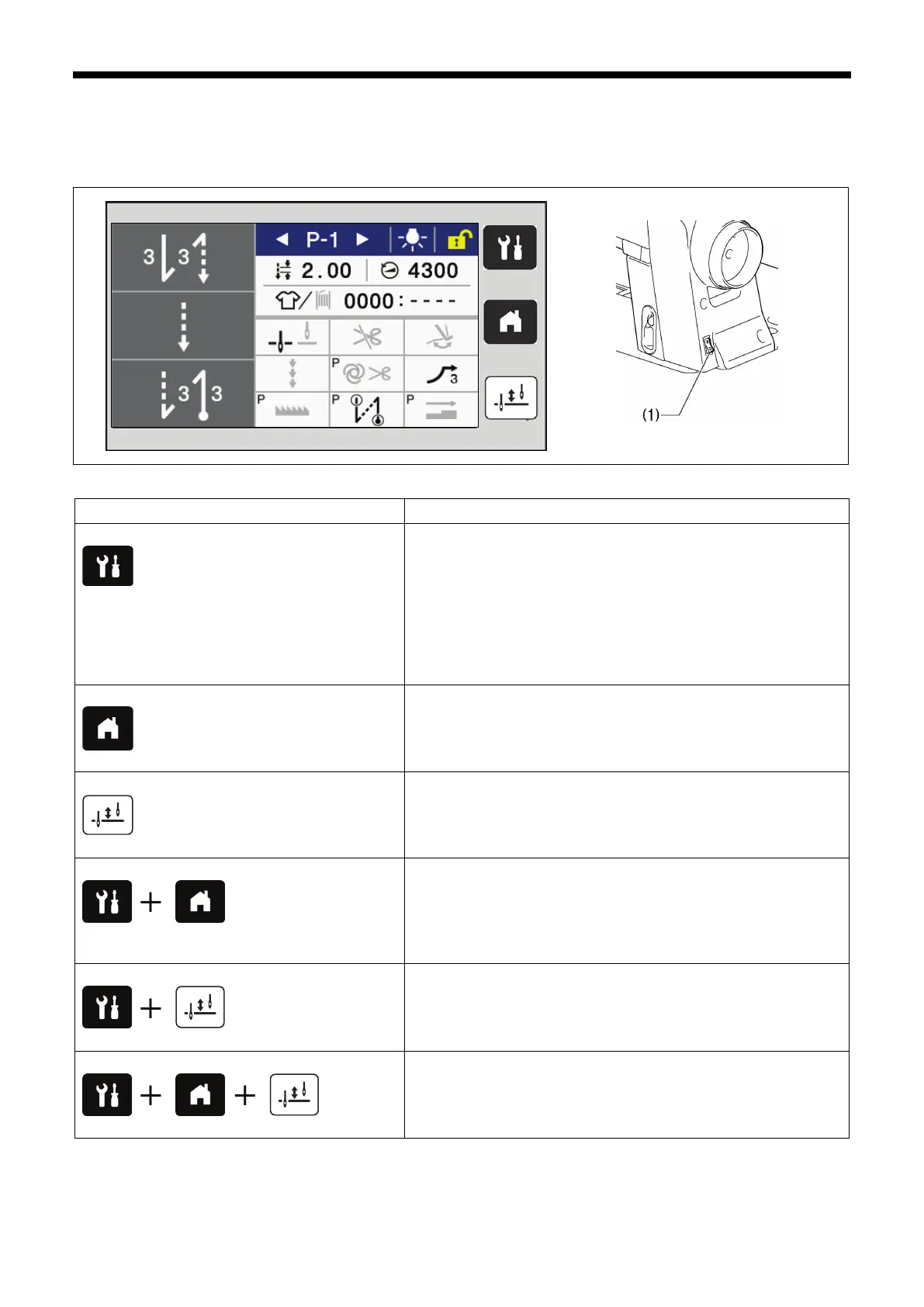
3-1. List of special functions when power is turned on
If you turn on the power switch (1) while pressing a panel key, you can load special functions.
Key operation when power is turned on
・“3-10. Software version checking method”.
・“3-2. Memory switch setting method (Advanced)”.
・“3-5. Input checking method”.
・“3-6. Output checking method”.
・“3-9. Maintenance information”.
・Clearing grease up counter.
・“3-7. Protection setting”.
・
Initialization mode・・・Refer to the Instruction Manual.
“3-11. Software version updating method”.
・“7-12. Setting method for standard depression strokes”.
・“7-4. Adjusting the upper shaft reference position”.
・“7-5. Adjusting the feed (position, maximum pitch, vertical
movement, etc.)”.
・
“7-13. Adjusting the X-over seam sensor”.
“3-12. Serial number checking method”.
“7-14. Touch key adjustment”.



 To Next Page