S-7300A
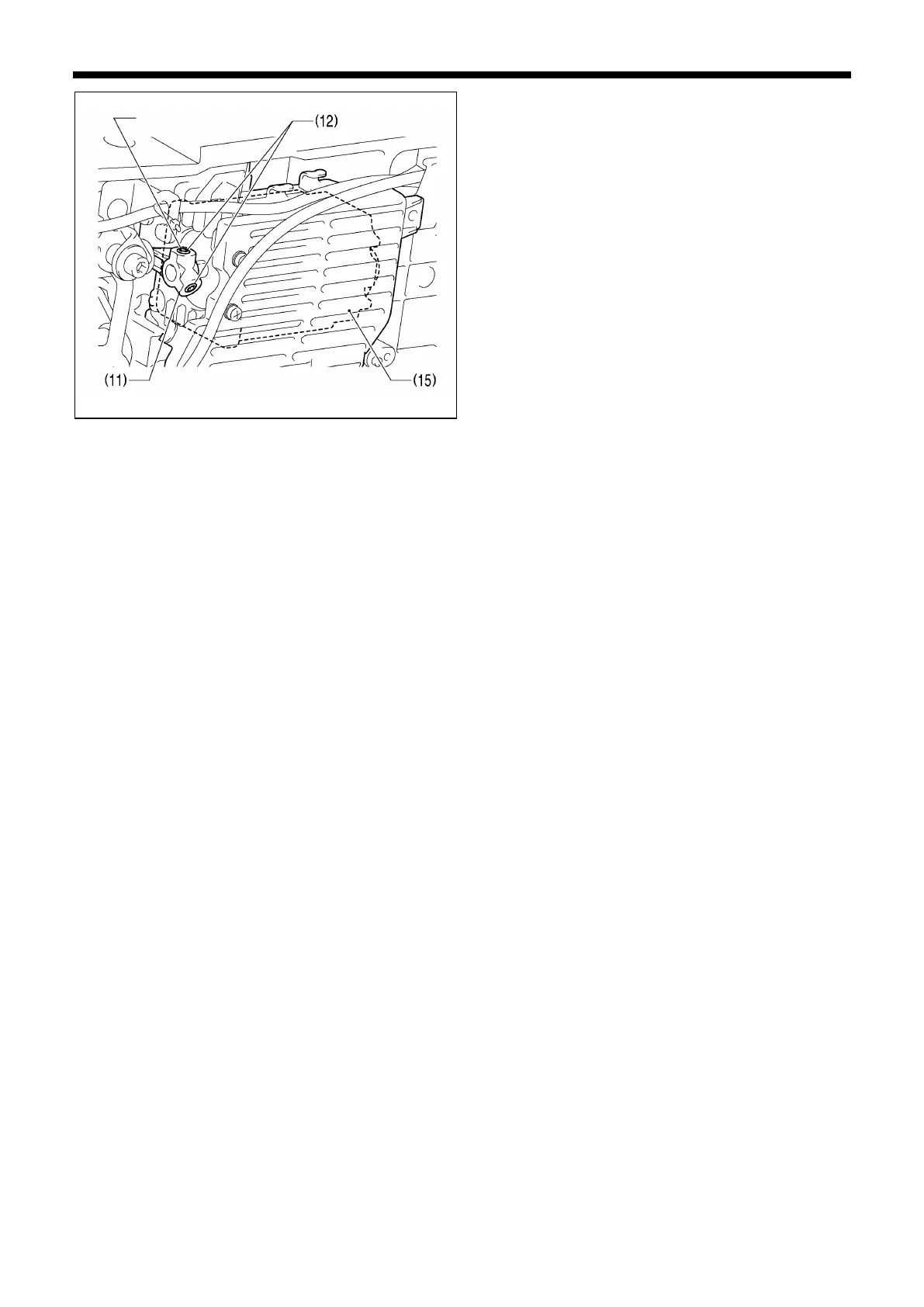
12. Secure the feed motor (15) with the two set screws (12)
of the PM arm (11).
*
First tighten the set screw (12) on the screw stop side.
13. Install the screw (10) of the motor cover (9).
14. Set the tubes (8) into the three tube bands (7).
15. Install the tension release wire (6) with the nut (4) and
wire holder D (5).
16. Connect the 6-pin feed motor connector (4) and the
6-pin feed motor encoder connector (3).
17. Install the three harness clamps (2)
18. Install the pulley cover (1).



 To Next Page