S-7300A
<Power switch>
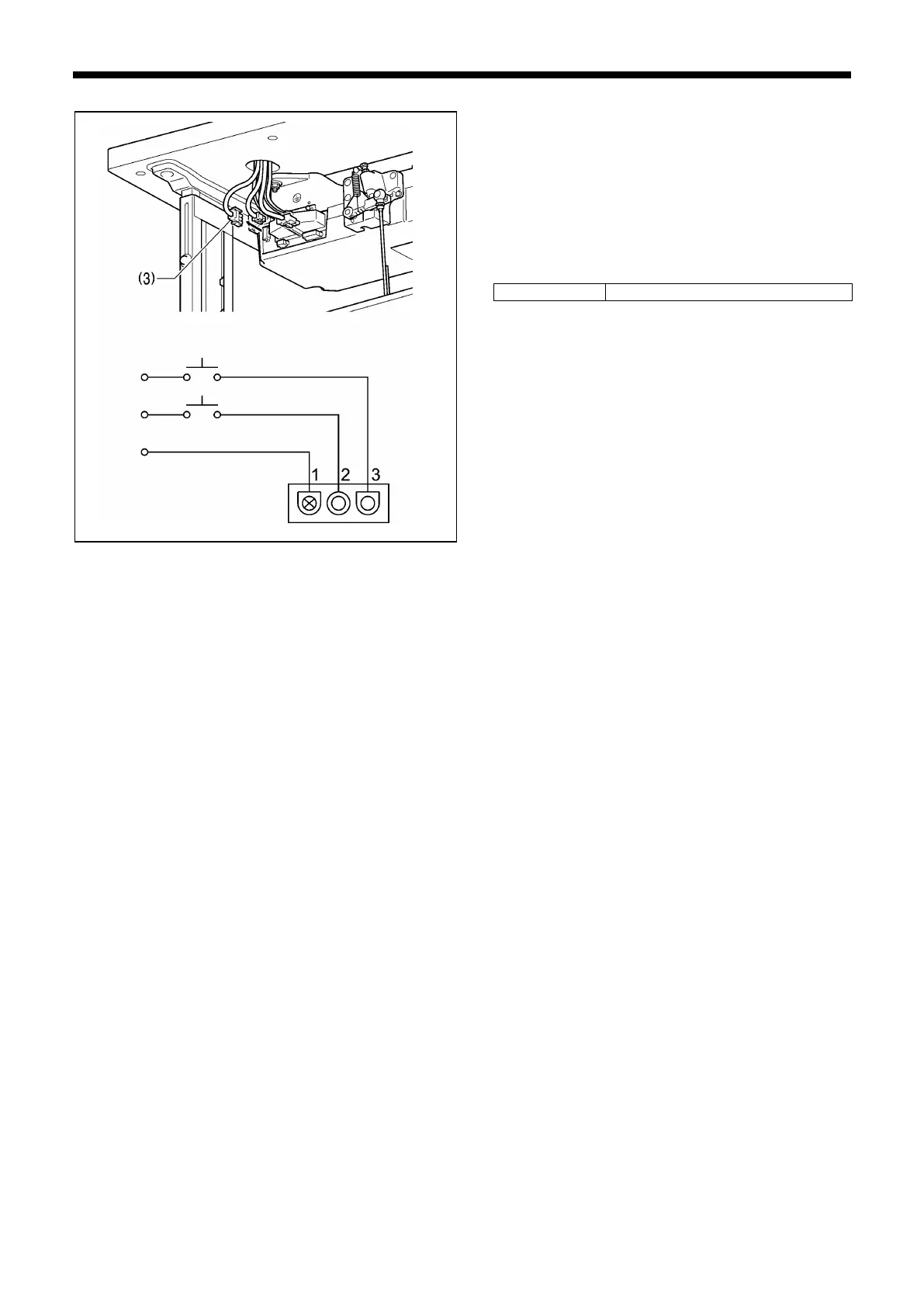
1. Disconnect the power supply connector 3P (3) from the
control box.
2. Turn on the power switch.
3. Measure the voltage at the power supply connector (3)
using the AC voltage range of a multimeter, and check
that the voltage is within the allowable range for the
specified voltage rating.
If the value is as shown in the table below, the connector
is normal.



 To Next Page