S-7300A
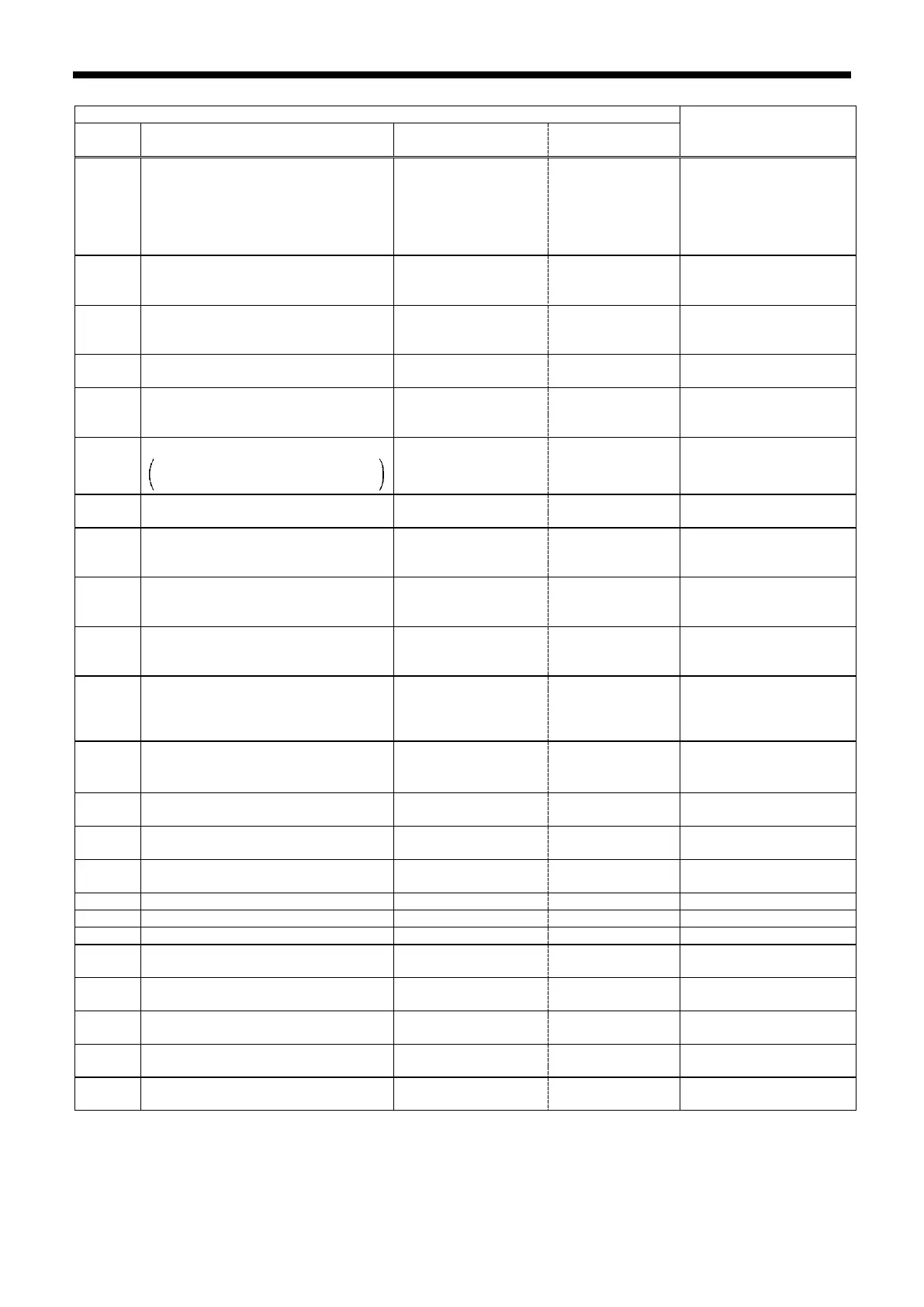
List of check items
Checking method
Check details
Input status
(Min. value - Max. value)
Judgment
IN-01
Treadle input value(Voltage display)
Depression status is also displayed
0.000 ~ 5.000V
1 V
Neutral: Around 2
V
Depressed:
IN-02
Upper shaft rotation angle
(0° at highest needle bar position)
0 ~ 359°
direction of the
IN-03
Encoder count of feed motor
(Position when power is turned on is
-999 ~ 999
clockwise rotation
hand.
IN-04 Needle up signal status ON / OFF
ON within the
range of 25° to 75°
IN-05 Needle down signal status ON / OFF
range of 195° to
IN-06
100 V: Display value ÷ 2 is the actual voltage
400 V: Display value × 2 is the actual voltage
***V
Within ±10% of
power supply
voltage
IN-07 Head safty switch ON / OFF
Tilt the panel.
IN-08 X-over seam thickeness sensor
0.00 ~ 9.99mm
the presser foot is
presser foot.
IN-09 Hand switch A
OFF ~ 7
(OFF, 1 ~ 7)
the range given at
Press hand switch A.
IN-10 Hand switch B
OFF ~ 2
(OFF,1,2)
the range given at
Press hand switch B.
IN-11
Knee switch or presser foot switch of
standing up pedal
ON / OFF ON when pressed
the presser foot switch of
the standing operation
IN-12 Speed input from standing up pedal
~
* Around 0 V when
---
operation pedal high
IN-13
High speed switch of standing up
pedal
ON / OFF ON when pressed
Press the corresponding
switch.
IN-14 Trimming switch of standing up pedal ON / OFF ON when pressed
Press the corresponding
switch.
IN-15
Slow speed switch of standing up
signal
ON when pressed
Press the corresponding
switch.
Press the half stitch key
IN-19 Main motor overheating sensor 0.000 ~ 3.300V
Drops when the
temperature rises.
IN-20 Feed motor overheating sensor
0.000 ~ 3.300V
Drops when the
temperature rises.
IN-21 Option input (IN1) ON / OFF
IN-22
Option input (IN2)
ON / OFF
IN-23
Option input (IN3)
ON / OFF



 To Next Page