S-7300A
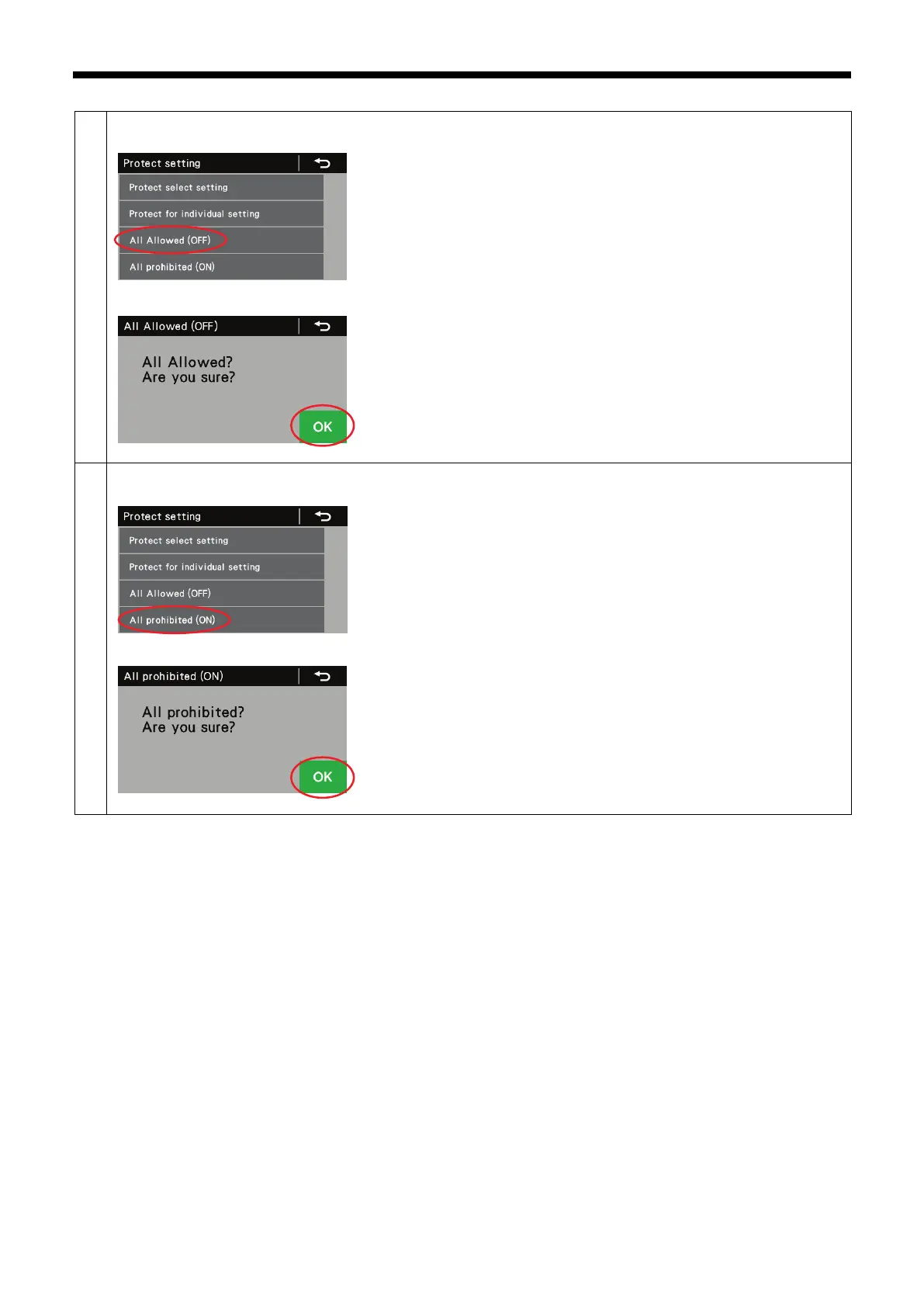
This cancels (turns OFF) the protection for all functions from 1 to 15.
1. At the protect setting screen, select "All Allowed (OFF)".
2. Press the OK key to confirm the setting.
You can turn protection on for all functions from 1 to 15.
1. At the protect setting screen, select "All prohibited (ON)".
2. Press the OK key to confirm the setting.



 To Next Page