100
Type 8692, 8693
english
Start-up, operation
process controller Type 8693
2.5.4 Setting up the process controller - SETUP
These functions specify the type of control.
PV INPUT - Indication of the signal type for the process actual value
The PV INPUT function specifies the signal type of the process actual value:
Unit signal 4 ... 20 mA Flow, pressure, level•
Frequency signal 0 ... 1,000 Hz Flow•
Circuit with PT 100 -20 °C – +220 °C temperature•
Factory setting: 4 ... 20 mA
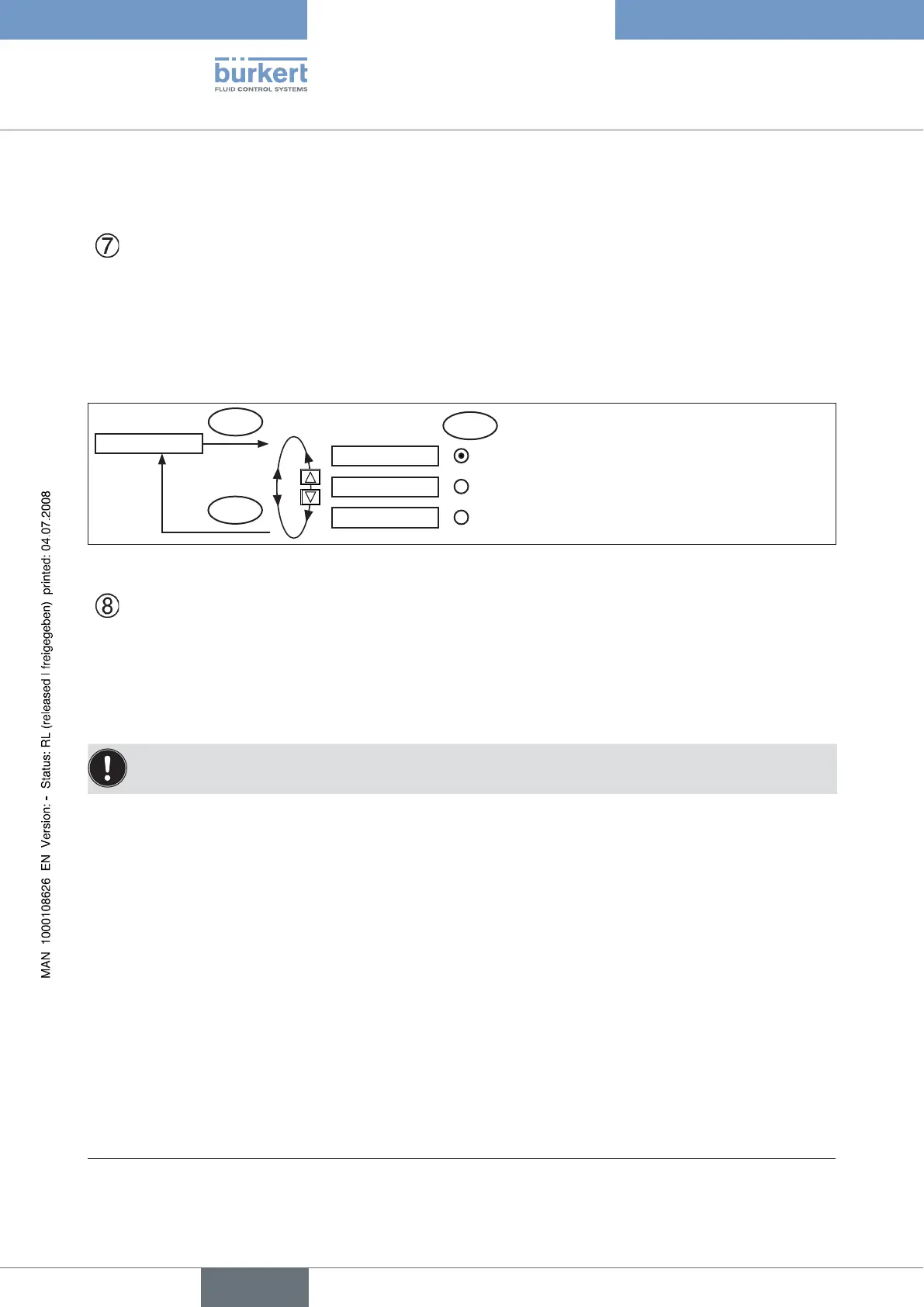
PV-INPUT
ENTER
SELEC
4-20 mA
Unit signal 4–20 mA (flow, pressure, level)
EXIT
Frequency
Frequency signal (flow) 0 – 1,000 Hz
PT 100
Circuit with PT 100 (temperature)
-20 °C – +220 °C
Fig. 9: Operating structure P.CONTROL - PV-INPUT
PV-SCALE - Scaling of the process controller
The PV-SCALE function specifies the following settings:
The unit of the process actual value.•
The position of the decimal point.•
The values for the lower and upper process actual value.•
If the settings for the unit of the process actual value or the position of the decimal point are input or changed, this
setting applies to all scaling values (SPmin, SPmax, PVmin, PVmax).
Procedure for setting the scaling values
Inputting the unit and the position of the decimal point for the scaling values (possible in PVmin only):
Press the arrow keys to select the
→ PV SCALE menu option and confirm by pressing the right selection key (ENTER).
Press the right selection key (INPUT) to enter the input screen for → PVmin.
On the display the field for the unit has a dark background and is therefore marked.
Press the up arrow key (+) to select the unit (bar, mbar, .... °F)* of the scaling values.
→
Press the down arrow key ( → ←) to change the dark highlighted background to the decimal point of the value which speci-
fies the position of the decimal point with the aid of the up arrow key (+).
Inputting the scaling value:
Press the down arrow key (
→ ←) to change the dark highlighted background to the last digit of the value.
Press the up arrow key (+) to specify the individual digits of the value and switch to the next digit with the down arrow →
key (←).
When all input values have been specified, confirm by pressing the right selection key (OK) and jump back to the selection
→
screen.
* The units indicated here depend on the signal type (PV INPUT).



 To Next Page