81
Type 8692, 8693
english
Start-up, operation
position controller Type 8692
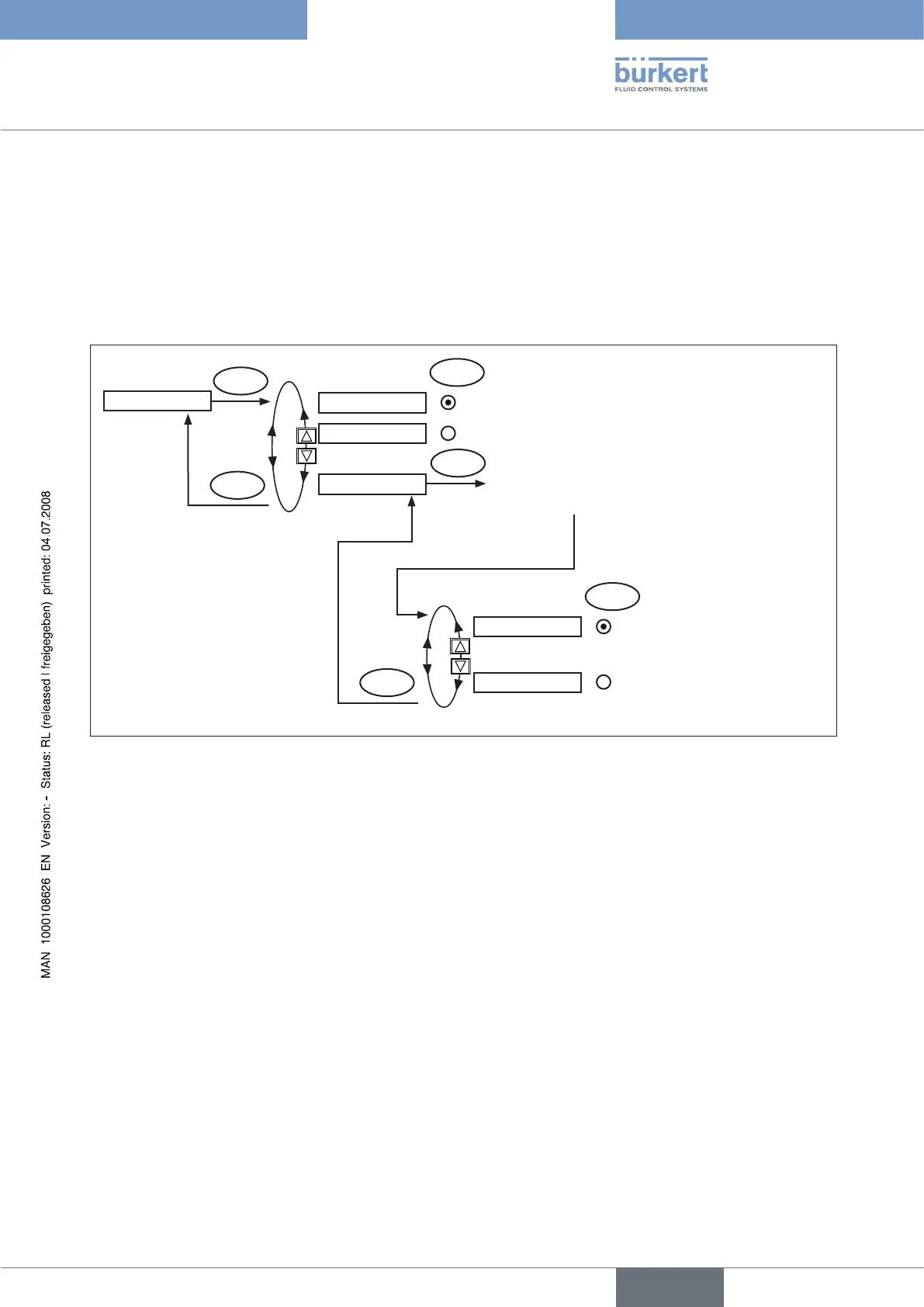
4.3.12 BINARY-IN
Activation of the binary input
This function activates the binary input.
The following settings can be implemented for this:
Approaching the safety position•
or
Switching over the MANUAL/AUTOMATIC operating mode•
SELEC
SafePos
EXIT
BIN.IN type
Safety position
Selection
Type of the binary input
BINARY-IN
ENTER
MANU/AUTO
ENTER
Operating mode switchover
SELEC
normally open
normally closed
(0 – 5 V = 1; 10 – 30 V = 0)
normally closed
normally opened
(0 – 5 V = 0; 10 – 30 V = 1)
EXIT
Fig. 32: Operaring structure BINARY-IN
Safety position SAFEPOS
Approach of a safety position.
Active SAFEPOS menu option
The actuator moves to the lower SAFEPOS set position.
Inactive SAFEPOS menu option
The actuator moves to the end position which it would specify in the isolated state.
Operating mode switchover MANU/AUTO
Switch over the operating state to MANUAL or AUTOMATIC.
Binary input = 0 → AUTOMATIC operating mode
Binary input = 1 → MANUAL operating mode
If operating mode switchover is selected, you can no longer switch over the operating mode via the selection key on the right
(MANU/AUTO).



 To Next Page