62
Type 8692, 8693
english
Start-up, operation
position controller Type 8692
3.4 MANUAL operating state
Without bar running from left to right along the upper edge of the display.
In MANUAL operating state the valve can be opened or closed manually.
3.4.1 Meaning of the keys
key
Configura-
tion
Description
Left selection key MENU Switch to the Configuration level (press for approx. 3 s)
Right selection key MANU Switch between the AUTOMATIC (AUTO) or MANUAL (MANU) operat-
ing modes
Up arrow key OPN
CLS*
Aerate the actuator
Control function A (SFA): Valve opens
Control function B (SFB): Valve closes
Control function I (SFI): Connection 2.1 aerated
Down arrow key CLS
OPN*
Deaerate the actuator
Control function A (SFA): Valve closes
Control function B (SFB): Valve opens
Control function I (SFI): Connection 2.2 aerated
SFA: Actuator closes by spring force
SFB: Actuator opens by spring force
SFI: Actuator double-acting
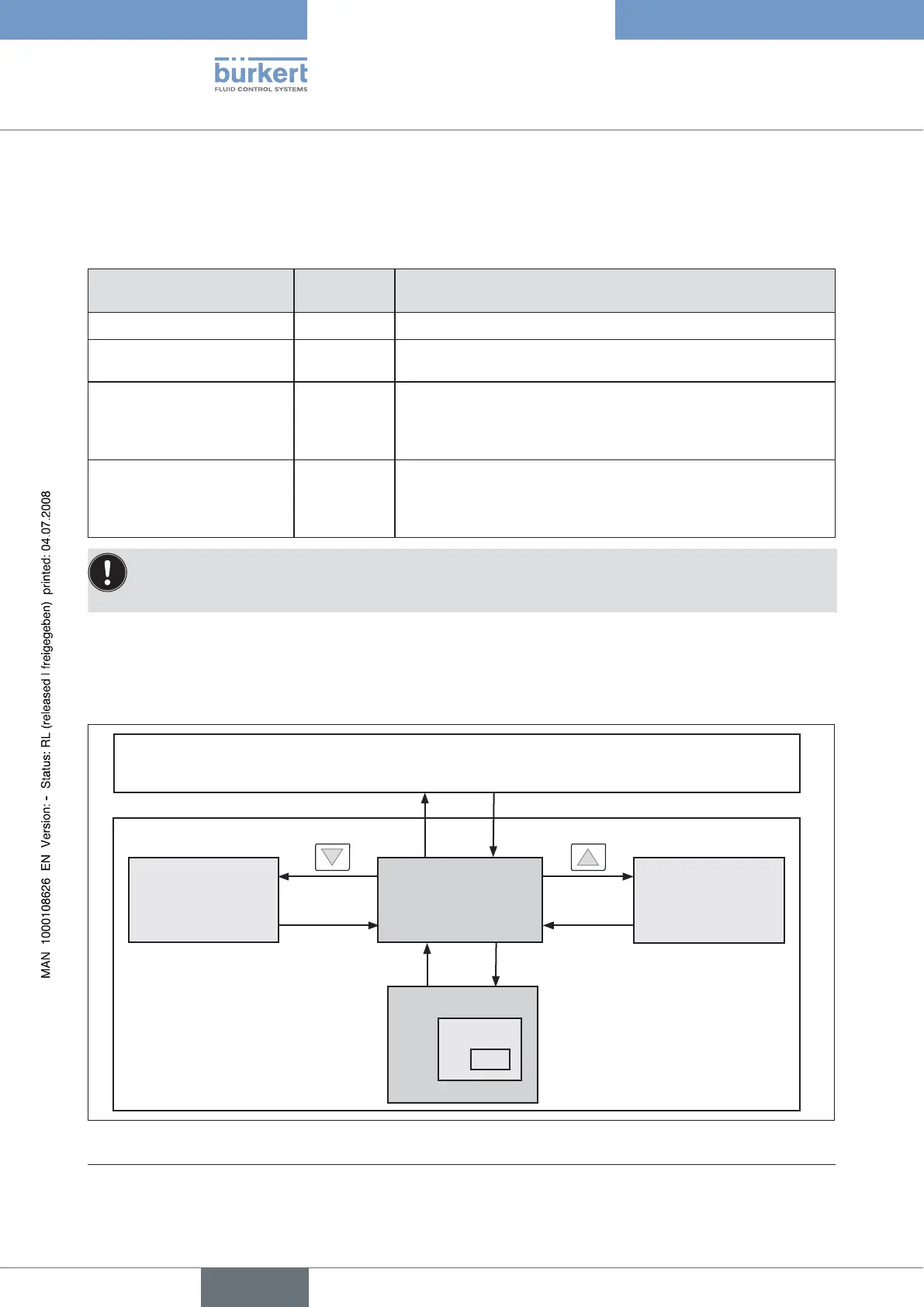
3.4.2 Information on the Display
After switching to the MANUAL operating state, the display automatically jumps to the actual position (POS) of the valve actuator.
3.4.3 Operating structure
Configuration
Menu option
EXIT
Display
(no operator action)
Valve open
EXIT MENU
AUTOMATIC operating state
MANUAL operating state
MANU
AUTO
Release
key
Release
key
Valve closed
Fig. 6: Operating structure MANUAL
* only if "Fall" is set in the DIR.ACT auxiliary function



 To Next Page